

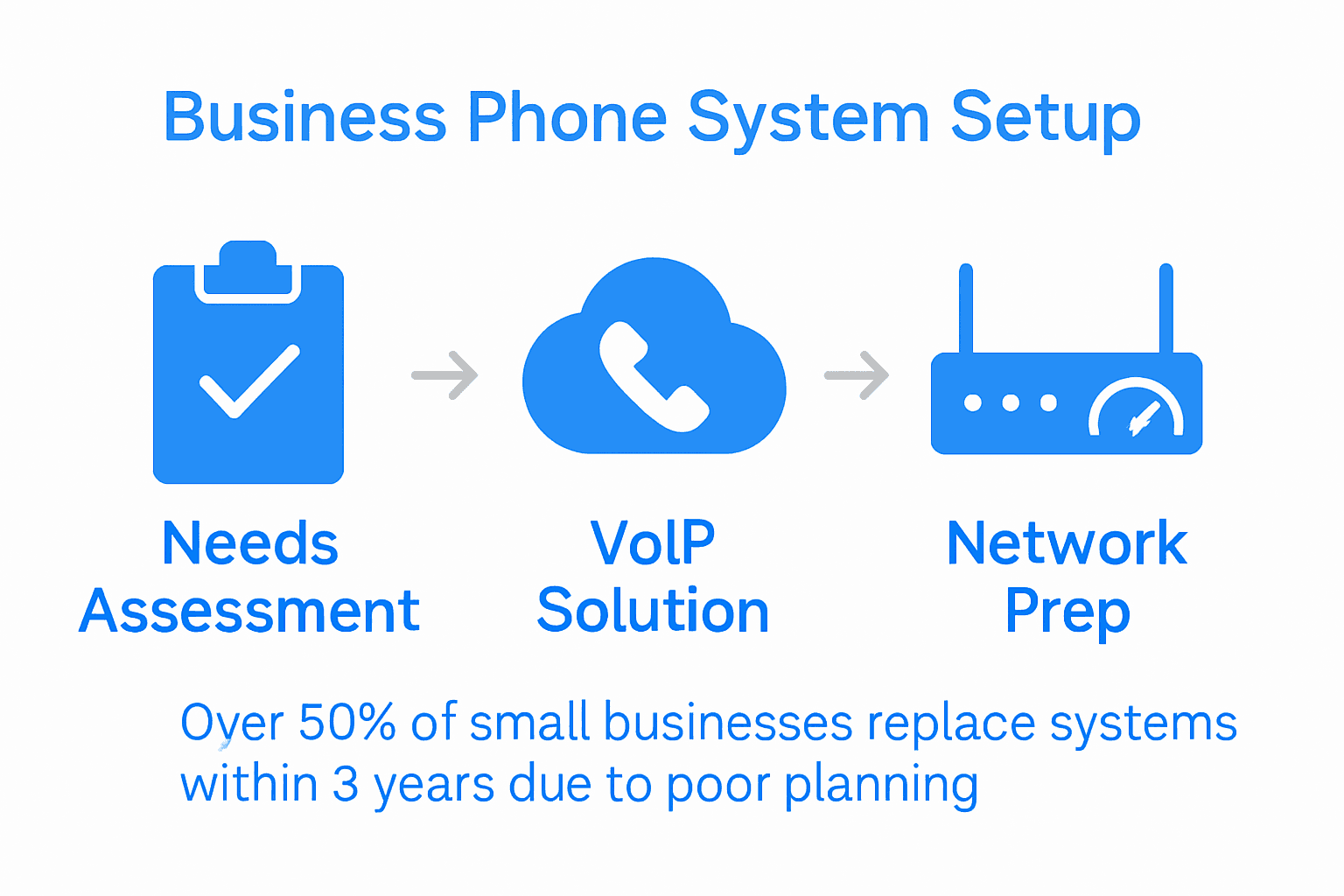
Over half of small businesses end up replacing their phone systems within just three years due to poor planning and costly mistakes. Reliable communication forms the backbone of everyday operations, yet many teams struggle to pick solutions that truly fit their needs and budget. By understanding each step of the setup process, you can avoid common pitfalls and build a phone system that grows with your business while keeping expenses in check.
Table of Contents
- Step 1: Assess Communication Needs And Budget
- Step 2: Choose Scalable VoIP And Cloud Solutions
- Step 3: Select Essential Features And Integrations
- Step 4: Plan Hardware And Network Requirements
- Step 5: Configure And Deploy Your Phone System
- Step 6: Test System Performance And User Experience
Quick Summary
| Key Point | Explanation |
|---|---|
| 1. Assess Communication Needs First | Conduct a comprehensive audit to identify communication gaps and prioritize necessary features aligned with your budget. |
| 2. Choose Scalable VoIP Solutions | Opt for cloud-based systems to ensure adaptability, cost savings, and reliable performance as your business grows. |
| 3. Select Essential Features Wisely | Focus on features that directly enhance productivity and integrate seamlessly with your existing business tools. |
| 4. Prepare Network for VoIP Implementation | Ensure high-performance networking equipment and sufficient internet bandwidth to support quality voice traffic without disruptions. |
| 5. Test System Before Full Deployment | Conduct thorough testing to validate system performance and user experience, addressing any issues with your provider. |
Step 1: Assess Communication Needs and Budget
Before diving into your phone system setup, you need a clear roadmap of your business communication requirements and financial constraints. According to hfpgnonprofitsupportprogram.org, evaluating your current communication infrastructure is crucial for identifying potential gaps and determining necessary features.
Start by conducting a comprehensive communication audit. Map out your team’s communication patterns by tracking how your current phone system supports different departments and workflows. Consider questions like how many team members need phone access, what type of calls you typically handle (internal calls, customer support, sales), and which features would enhance productivity. Research from gphjournal.org suggests integrating new communication tools strategically to improve overall coordination and efficiency.
Pro tip: Create a prioritized list of communication needs versus wants. Not every fancy feature justifies its cost. Focus on tools that directly solve your current communication challenges and align with your budget. Remember that the most expensive solution is not always the best one for your specific business needs.
Once you have a clear picture of your communication requirements, you will be ready to explore phone system options that match your organizational goals and financial parameters.
Step 2: Choose Scalable VoIP and Cloud Solutions
Selecting the right communication solution can transform your business operations. According to voipreview.org, cloud-based phone systems offer significant advantages like cost savings, adaptability, and enhanced reliability for growing businesses.
When evaluating VoIP and cloud solutions, focus on systems that provide comprehensive features and seamless scalability. voipreview.org highlights key considerations including mobility support, device integration, and security protocols. Look for solutions that can easily accommodate your team whether you have 5 employees or 50, with features like unified communications, remote work capabilities, and flexible user management.
Pro tip: Don’t just focus on current needs. Choose a VoIP solution that can grow with your business without requiring a complete system overhaul. Consider providers offering modular plans that let you add users or features seamlessly as your organization evolves.
Learn more about how VoIP can help your small business grow and discover the right communication strategy for your unique business requirements.
Step 3: Select Essential Features and Integrations
Building the right communication system means identifying features that truly enhance your business productivity. According to freepbx.org, modern phone systems offer comprehensive features like mobility options, interactive voice response (IVR), call queues, and conference capabilities without additional licensing fees.
When selecting features, prioritize solutions that align with your specific workflow. voip-info.org suggests focusing on core integrations such as call routing, voicemail, and compatibility with your existing business frameworks. Consider critical features like mobile soft phone access, voicemail to email transcription, call recording, and seamless integration with customer relationship management (CRM) platforms your team already uses.
Pro tip: Don’t get seduced by flashy features you will not actually use. Create a must-have versus nice-to-have list. Concentrate on tools that directly solve communication challenges and improve team collaboration.
Explore our VoIP adoption tips for businesses to ensure you select the most effective communication solutions for your specific needs.
Step 4: Plan Hardware and Network Requirements
Preparing your technological infrastructure is crucial for a smooth VoIP implementation. According to voipreview.org, high-performance networking equipment like robust routers and switches is essential for supporting cloud-based phone systems effectively.
Start by conducting a comprehensive network assessment. Evaluate your current internet bandwidth and stability to ensure it can handle voice traffic without compromising call quality. voipreview.org emphasizes that internet stability plays a critical role in maintaining consistent communication service. Consider investing in business-grade internet connections with symmetrical upload and download speeds to support multiple simultaneous calls and prevent potential audio disruptions.

Pro tip: Don’t underestimate the importance of network redundancy. Consider a backup internet connection or failover option to ensure your communication system remains operational even during primary connection interruptions.
Discover more about VoIP systems that can help your business grow and learn how to optimize your network for seamless communication.
Step 5: Configure and Deploy Your Phone System
With your infrastructure prepared, it is time to bring your new communication system to life. According to freepbx.org, modern cloud phone systems offer hassle-free installation with no upfront costs and minimal ongoing maintenance requirements.
Begin by working closely with your VoIP provider to map out your specific call routing needs. voip-info.org suggests carefully configuring voicemail settings, establishing call queues, and integrating the system with your existing business frameworks. This includes setting up user accounts, defining access permissions, and creating custom call flows that match your organization’s communication patterns.
Pro tip: Document every configuration step and create a comprehensive user guide for your team. This will help ensure smooth adoption and provide a quick reference for troubleshooting common setup challenges.
Learn more about implementing cloud phone systems for business success and streamline your communication strategy from day one.
Step 6: Test System Performance and User Experience
Validating the reliability and performance of your new communication system is crucial for business continuity. According to voipreview.org, cloud-based phone systems should maintain service during unforeseen circumstances, making comprehensive testing essential.
Conduct a thorough performance assessment by simulating real-world communication scenarios. voipreview.org emphasizes the importance of testing uptime, call quality, and system responsiveness across different network conditions. Engage your team in systematic testing that includes making test calls, checking voicemail functionality, evaluating audio clarity, and verifying features like call routing and conference capabilities. Pay special attention to potential weak points such as connection stability during peak usage times and performance across different devices and locations.
Pro tip: Create a structured testing checklist that covers all critical communication functions. Document any issues encountered and work closely with your VoIP provider to resolve them before full deployment.
Explore our guide to cloud phone system implementation to ensure a smooth and successful rollout of your new communication infrastructure.
Take Control of Your Business Communication With Voipcom
Setting up a cost-effective phone system is about more than just savings. It is about overcoming frustration with outdated setups, avoiding surprise fees, and achieving seamless communication for your team no matter where they work. Your business deserves a solution that grows with you, supports remote work, and integrates powerful features like voicemail-to-email and AI-powered calling.

Discover how our fully managed cloud-based phone systems can transform your communications. With transparent pricing, local support, and scalable solutions tailored for small- to medium-sized businesses, Voipcom makes upgrading simple and stress-free. Learn more about the benefits of a modern phone system at Voipcom, explore our Voice & Telephony offerings, and start building your future-proof communication strategy today.
Frequently Asked Questions
How do I assess my business communication needs for a new phone system?
Assess your communication needs by conducting a thorough audit of your current phone setup. Map out team workflows and communication patterns to identify gaps and prioritize essential features.
What features should I look for in a cost-effective phone system?
Focus on essential features that enhance productivity, such as call routing, voicemail, and mobile access. Create a ‘must-have’ list to guide your selection and ensure the features align with your daily operations.
How can I ensure my phone system scales with my business?
Choose a VoIP solution that offers seamless scalability without requiring a complete overhaul. Look for providers that offer modular plans to add users or features as your business grows.
What are the key hardware requirements for implementing a VoIP phone system?
Invest in high-performance networking equipment, such as robust routers and switches, to support your VoIP phone system effectively. Assess your internet bandwidth to ensure it can handle voice traffic without compromising quality.
How can I test the performance of my new phone system before full deployment?
Conduct a thorough performance assessment by simulating real communication scenarios, such as making test calls and checking feature functionalities. Create a structured testing checklist to document issues and address them with your provider prior to launch.
What actions should I take after configuring my new phone system?
After configuration, work closely with your team to create a user guide detailing system features and setup processes. Ensure everyone is trained on the new system to promote smooth adoption and minimize potential issues.