

Over 60 percent of American law firms report that missed or mishandled calls impact client satisfaction and case outcomes. For IT managers in Arizona and Colorado, building an efficient call queue is not just a technical upgrade but a way to strengthen your firm’s reputation and service quality. This guide maps out the step-by-step process that helps you organize user roles, tailor workflows, and deliver prompt, reliable support to every client who calls your office.
Table of Contents
- Step 1: Review System Requirements And User Roles
- Step 2: Configure Call Queue Settings And Call Flow
- Step 3: Assign Agents And Set Distribution Rules
- Step 4: Enable Caller Announcements And Wait Options
- Step 5: Test Call Routing And Agent Responses
Quick Summary
| Key Point | Explanation |
|---|---|
| 1. Define User Roles and Access | Clearly identify each staff role’s responsibilities and access levels to streamline communication. |
| 2. Configure Call Queue Settings | Establish detailed call handling parameters for efficient customer service and workflow management. |
| 3. Assign Agents Strategically | Allocate agents based on expertise and ensure balanced call distribution to prevent burnout. |
| 4. Implement Call Announcements | Use personalized messages to inform callers about wait times and office information, improving client experience. |
| 5. Test Configuration Thoroughly | Conduct comprehensive testing of call routing to ensure effective system performance and client satisfaction. |
Step 1: Review system requirements and user roles
Setting up call queues requires careful planning and understanding the specific roles and requirements within your law firm. You will systematically map out who needs access to the system and what capabilities they require for smooth communication workflows.
Start by identifying the key user personas in your organization. Typically for law firms, this means defining roles like administrative staff, call center agents, legal partners, and IT managers. Software requirements specification documents help capture functional and non-functional user needs by detailing precise access levels and feature assignments. For instance, an administrative assistant might need queue monitoring capabilities, while a partner might require high level reporting access.
To effectively map out system requirements, follow a structured approach recommended by industry experts. Requirements management begins with establishing a baseline of system requirements and user needs, which means conducting thorough stakeholder interviews and documenting specific communication workflow expectations. Create a detailed matrix that outlines each role criteria including permitted actions, access restrictions, and expected system interactions.
Practical tip: Document every user role requirement in a shared spreadsheet that all stakeholders can review and validate before final system configuration.
Here’s a quick reference outlining user roles and their responsibilities in a law firm call queue system:
| User Role | Primary Responsibilities | Typical System Access |
|---|---|---|
| Administrative Staff | Monitor queues, manage basic workflows | Queue statistics, basic edits |
| Call Center Agent | Answer client calls, route inquiries | Call handling, case notes |
| Legal Partner | Receive escalated calls, view reports | High-level reporting, oversight |
| IT Manager | Configure system, maintain infrastructure | Admin controls, user setup |
Step 2: Configure call queue settings and call flow
Configuring call queue settings and call flow requires precision and strategic planning to ensure your law firm’s communication system operates smoothly. This step will help you establish the technical framework that manages incoming client calls efficiently and professionally.
Call queue configuration involves defining critical parameters that control how your phone system handles incoming communications. These settings include specifying call distribution strategies, setting up music on hold, creating agent announcements, and establishing routing protocols. For law firms, this means designing a system that prioritizes client communication while managing potential high call volumes during peak hours.
Start by mapping out your specific workflow requirements. Dialplan applications allow administrators to control every aspect of call flow, including what happens when queues are full or agents become unavailable. Consider creating different queue configurations for various departments such as client intake, billing, or specific practice areas. Implement timeout policies that ensure no call goes unanswered and develop overflow strategies that redirect calls during peak times.

Practical tip: Test your call queue configuration thoroughly during off hours to identify and resolve any potential routing or connection issues before going live with the system.
Step 3: Assign agents and set distribution rules
Assigning agents and establishing distribution rules forms the backbone of an effective call queue system for your law firm. You will strategically allocate staff members to manage incoming calls and create fair workload distribution mechanisms.
Advanced queue features empower supervisors to assign agents and monitor call distribution in real time, ensuring your communication infrastructure operates with maximum efficiency. Start by mapping your team members into specific roles based on their expertise and availability. Consider creating skill-based routing that directs specialized calls to agents with matching legal knowledge or practice area competencies.
When setting distribution rules, focus on creating balanced workloads that prevent agent burnout while maintaining high responsiveness. Implement weighted distribution strategies that account for individual agent performance, experience levels, and current case load. Develop a system that automatically routes calls based on predefined criteria such as practice area specialization, language skills, or historical performance metrics. This approach ensures each client interaction receives appropriate attention and expertise.
Compare common call distribution strategies for law firm call queues:
| Strategy | Main Benefit | Ideal Use Case |
|---|---|---|
| Round Robin | Equal workload distribution | Teams with similar expertise |
| Skill-Based | Matches call to agent skill | Specialized practice areas |
| Weighted | Balances according to workload | Experienced agent prioritization |
| Overflow Routing | Reduces missed calls | High volume, peak call times |
Practical tip: Regularly review and adjust agent assignments and distribution rules based on performance data and changing firm dynamics to maintain optimal call queue efficiency.
Step 4: Enable caller announcements and wait options
Enabling caller announcements and wait options transforms your law firm’s communication system from a basic phone routing setup to a professional client engagement platform. This step will help you create a seamless and informative caller experience that manages expectations and provides critical information.
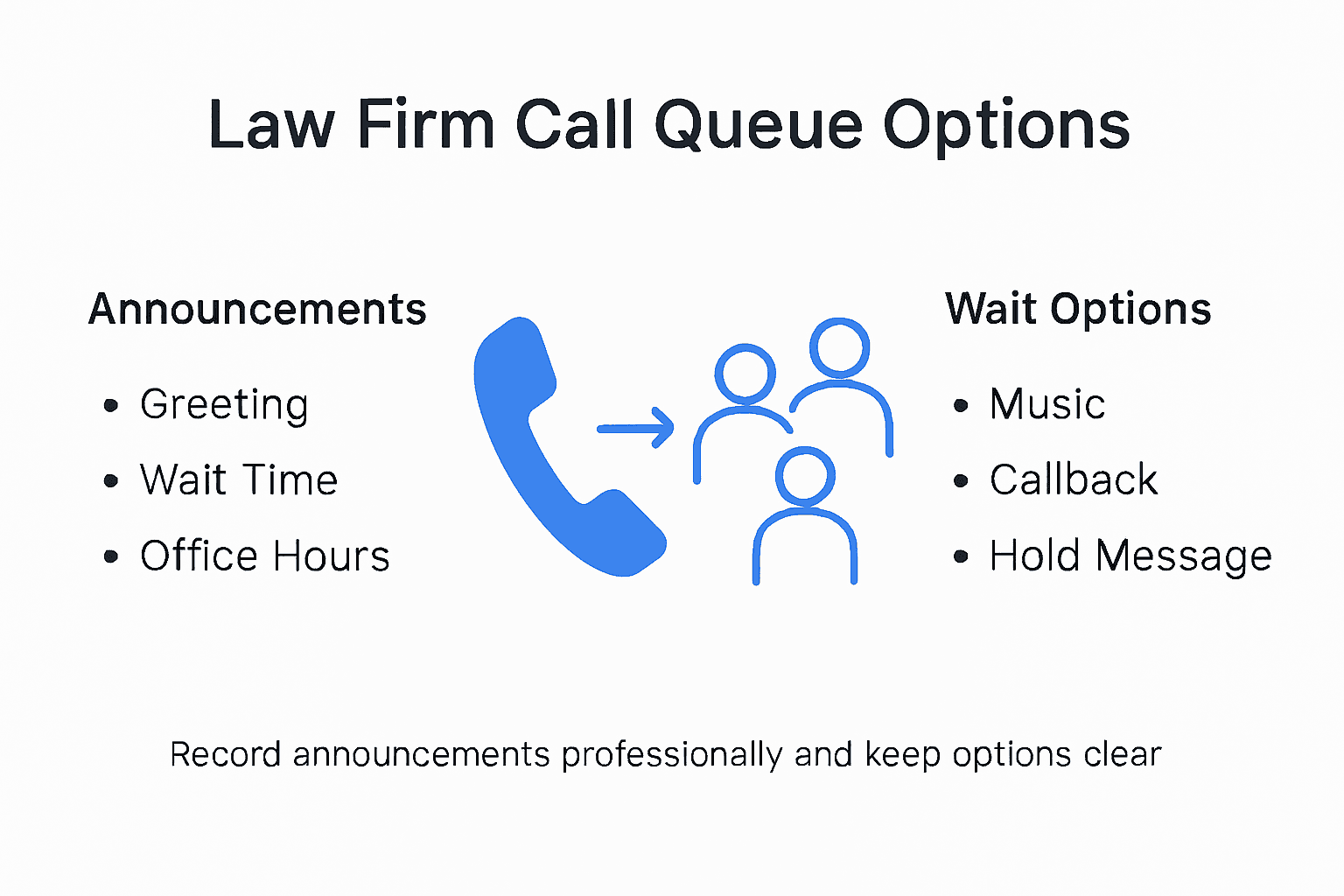
Call queue administrators can set up greeting prompts and business hour announcements using pre-recorded or text-to-speech audio, allowing your firm to communicate effectively with callers before they reach an agent. Design custom announcements that provide context about expected wait times, share important legal office hours, or deliver critical client information. Consider creating multiple announcement templates that can be rotated based on time of day, current case volume, or specific departmental needs.
When configuring wait options, focus on transparency and client comfort. Departments can manage queue greetings and wait options through administrative interfaces, which allows for dynamic message management. Implement strategies like periodic wait time updates, optional callback scheduling, or informational messages about online service alternatives. Your goal is to reduce caller anxiety and provide a professional first point of contact that reflects your law firm’s commitment to client communication.
Practical tip: Record announcement audio in a quiet environment with professional voice talent to ensure clear, crisp sound quality that represents your firm’s brand effectively.
Step 5: Test call routing and agent responses
Testing call routing and agent responses is the critical final phase that validates the entire call queue configuration for your law firm. This comprehensive evaluation ensures your communication system performs precisely as designed, delivering professional client experiences.
Detailed queue logs can help administrators audit routing effectiveness by tracking agent activities and call dispositions, providing a granular view of system performance. Simulate multiple scenarios by generating test calls that challenge different routing rules, checking how agents handle incoming communications under various conditions. Focus on testing edge cases like high call volumes, after hours routing, and specialized practice area transfers to confirm your system responds appropriately.
Queueing theory and modeling offer structured approaches for simulating call routing scenarios, allowing you to validate resource allocation and service levels. Create test scripts that mimic real world communication patterns, tracking metrics like average wait times, call resolution rates, and agent response efficiency. Pay special attention to how calls are distributed across team members and whether your predefined routing rules consistently direct clients to the most appropriate legal professional.
Practical tip: Conduct testing during off peak hours and involve multiple team members to gain comprehensive insights into your call queue system’s performance.
Streamline Your Law Firm’s Call Queue Setup with Voipcom
Implementing efficient call queues is crucial for law firms striving to improve client communication and manage high call volumes. The challenges highlighted in the article such as defining user roles, configuring call flow, assigning agents, and enabling professional caller announcements require a robust, flexible phone system tailored to your firm’s unique needs. Voipcom specializes in delivering cloud-based Hosted PBX solutions designed to simplify these complex setups while boosting productivity and client satisfaction.
With Voipcom you get transparent, all-inclusive pricing and fully managed services so you can focus on your practice without worrying about system maintenance. Our solutions offer seamless integration with familiar tools like Microsoft Teams and powerful features including AI-powered calling, mobile soft phones, and custom call queue configurations that mirror your firm’s workflows. Rely on our local support team in Arizona and Colorado to guide you through every step from requirements gathering to agent assignment and testing call routing.
Experience the difference by exploring tailored business phone systems at Voipcom Hosted PBX Solutions.
Ready to transform your client communication and reduce missed calls?
Take control of your call queues today with Voipcom’s expert-managed business phone solutions.

Visit Voipcom now to schedule a free consultation and start setting up a call queue system engineered for your law firm’s success.
Frequently Asked Questions
How do I identify user roles for call queues in my law firm?
To effectively identify user roles for call queues, start by mapping out key personas, such as administrative staff, call center agents, legal partners, and IT managers. Create a shared document that outlines each role’s responsibilities and access requirements to ensure clear communication workflows.
What strategies can I use to configure call flow settings for my law firm’s call queues?
To configure call flow settings effectively, define critical parameters such as call distribution strategies, music on hold, and agent announcements. Consider different queue configurations for various departments to manage call volumes efficiently and implement timeout policies to ensure no call goes unanswered.
How can I assign agents and set distribution rules efficiently in my call queue system?
Assign agents by matching their expertise and availability to specific roles, and create a balanced distribution of calls to prevent burnout. Use weighted distribution strategies that consider individual performance and current workloads to optimize response times and client satisfaction.
What types of caller announcements should I enable for my law firm’s call queues?
You should enable personalized caller announcements that provide context on wait times, office hours, and other relevant information. Design multiple announcements to adapt based on time of day or case volume to keep callers informed and reduce anxiety while they wait.
How do I test call routing and agent performance in my law firm’s communication system?
To test call routing and agent performance, conduct simulated test calls that cover different routing scenarios and volume levels. Assess metrics such as average wait times and call resolution rates to ensure your system operates smoothly and efficiently.