

Choosing the right communication solution can feel like sorting through a maze of features, pricing, and promises. Some platforms focus on the basics with ease of use at the forefront, while others pack advanced technology and AI to handle every customer touchpoint. There are options built for small teams and others designed to integrate across global enterprises. Whether you care most about hands-on support, flexible bundles, or the ability to connect anywhere, each service brings something unique to the table. Which one truly matches your needs and keeps your team connected without surprises?
Table of Contents
VoIPcom
At a Glance
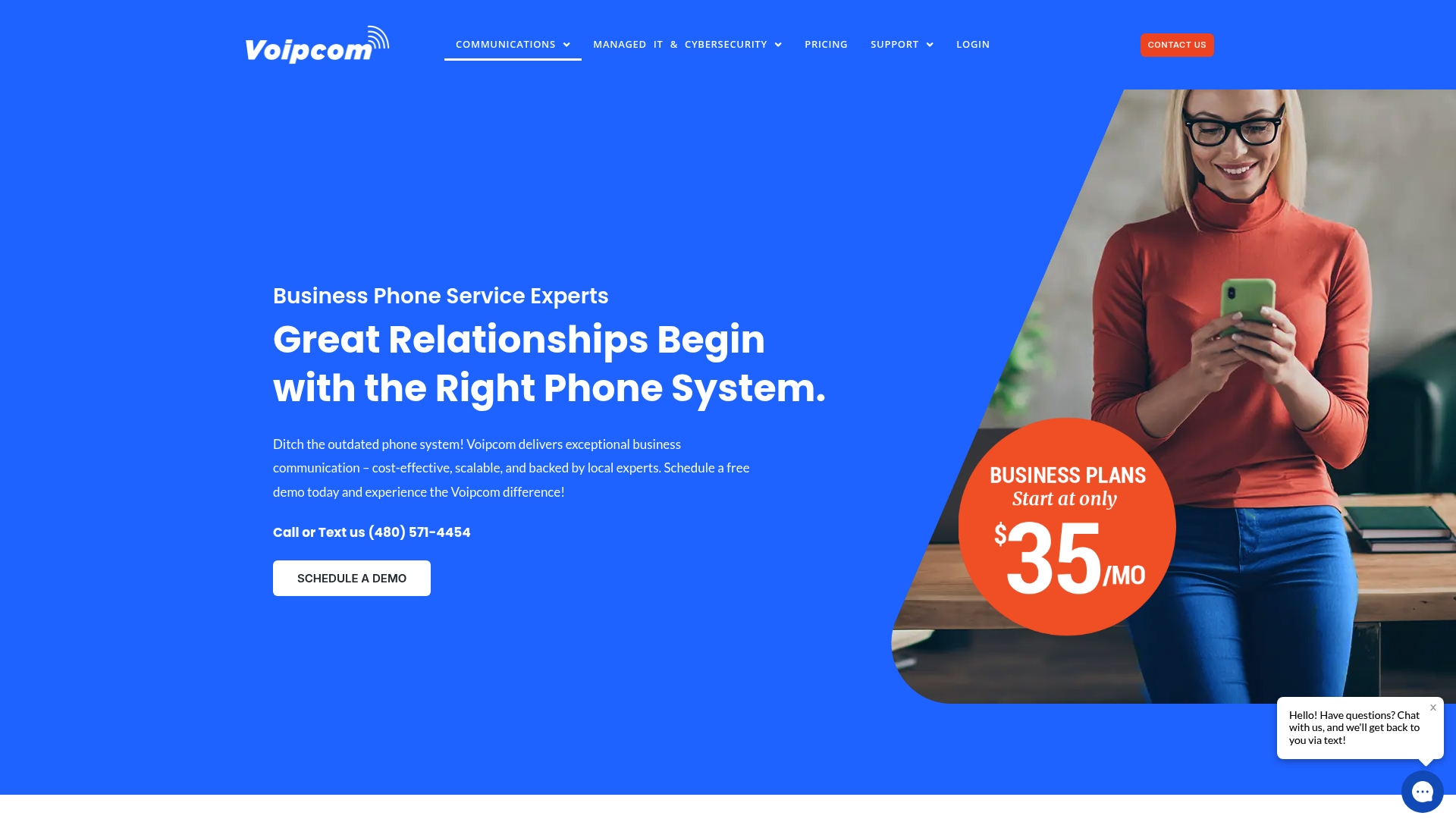
VoIPcom delivers cost-effective, scalable cloud phone systems backed by local experts who handle setup and ongoing management. Its hosted PBX, business texting, voicemail-to-email, and call monitoring tools make it a practical choice for mobile and remote workforces. Transparent, all-inclusive pricing and fully managed options mean predictable costs and minimal internal overhead. In short: reliable communications without the legacy-system headaches.
Core Features
VoIPcom focuses on a tightly integrated communications stack built for real business use: tailored hosted PBX solutions, phone number porting, and complete system setup and management by dedicated experts. The platform supports modern workflows with mobile workforce compatibility, call monitoring and queue management tools, business texting and multimedia, voicemail-to-email with transcription, custom announcements and dial-by-name directories, and seamless ongoing administration. Those features are delivered with an emphasis on personalized service rather than a do-it-yourself portal — VoIPcom manages the heavy lifting so you don’t have to.
Pros
- Cost-effective, transparent pricing: VoIPcom offers all-inclusive pricing that removes surprise fees and simplifies budgeting for communications.
- Comprehensive setup and management: Dedicated experts handle deployment and ongoing support so your IT team spends less time troubleshooting.
- Flexible solutions for varied budgets: Packages scale from basic voice seats to fully managed and HIPAA-compliant configurations to match different needs.
- Excellent customer service and responsiveness: Local support by phone, text, and email provides faster, region-aware assistance.
- Robust modern feature set: Call monitoring, voicemail transcription, business texting, and queue tools meet contemporary business requirements.
Who It’s For
VoIPcom is ideal for small to large businesses that need reliable, feature-rich telecommunications and prefer a fully managed service model. It fits organizations with mobile or remote workforces, professional services and law firms, and teams that want predictable pricing and local, responsive support. If you’re migrating from a legacy PBX, need integrated messaging and call monitoring, or require help maintaining compliance and uptime, VoIPcom fits the bill.
Unique Value Proposition
VoIPcom’s strength is the combination of expert-managed implementations and transparent, all-inclusive pricing. Rather than selling complex licensing tiers and add-on fees, VoIPcom packages voice, messaging, and administration into predictable offerings — from $35 per seat voice to fully managed and HIPAA-compliant tiers — removing procurement friction. The hands-on setup and ongoing support by dedicated local experts reduce project risk and shorten time to value. Limitations noted in the data—like unspecified scalability ceilings or unclear international capabilities—reflect a focus on delivering tightly managed, regionally supported solutions rather than a one-size-fits-all global telecom offering. That’s a design choice: prioritize predictable, locally backed reliability over chasing every global feature.
Real World Use Case
A law firm expanding across offices adopts VoIPcom to unify onsite and remote attorneys. The firm uses hosted PBX with call monitoring for training, voicemail transcriptions for quick review, and secure messaging for client outreach. VoIPcom handles porting, setup, and ongoing management, keeping the firm’s IT overhead low while preserving professional, consistent communications.
Pricing
Starting at $35 per seat for voice, $35 per month for messaging, $85 per seat for IT support, $150 per seat for fully managed services, and $200 per seat for HIPAA compliant solutions.
Website: https://voipcom.network
RingCentral
At a Glance
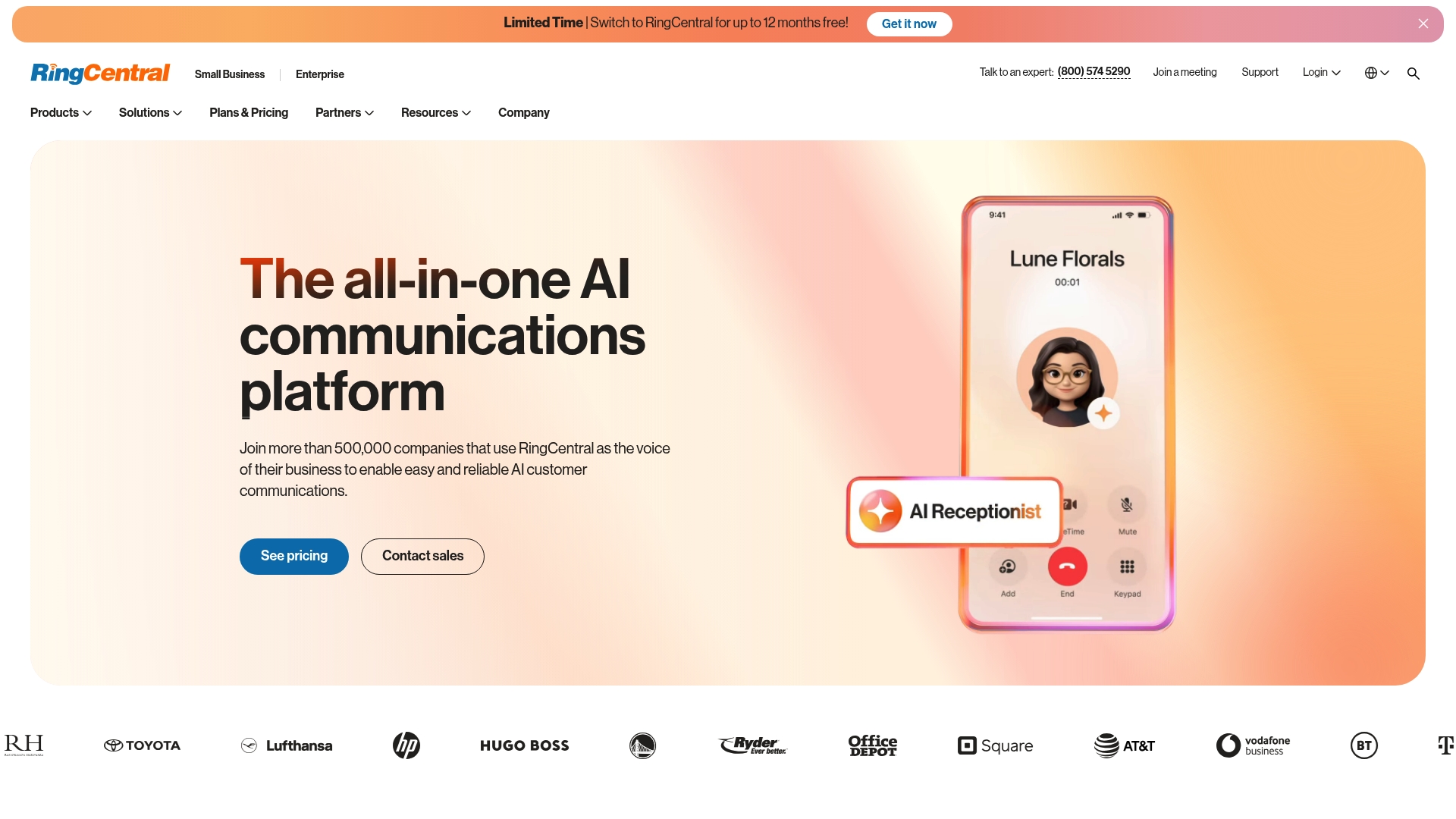
RingCentral is a full-featured AI communications platform used by over 500,000 companies worldwide, combining voice, video, messaging, and AI assistants into a single solution. It’s designed to improve employee productivity and customer experience across devices, and it scales from small teams to large enterprises. Expect powerful automation and analytics, but also a platform with complexity that may require training and selective add-ons for advanced capabilities.
Core Features
RingCentral’s core capabilities center on unified communications and AI-driven workflows: AI receptionist for missed calls and automation, conversation intelligence tied to CRM systems, AI-powered calling, messaging and meeting tools, video conferencing for virtual events, and AI virtual assistants that automate routine tasks. The platform emphasizes integrations and open APIs to embed those capabilities into existing systems and contact centers.
Pros
- Integrated, end-to-end platform: RingCentral combines voice, video, messaging, and AI tools so you can consolidate multiple services under one vendor.
- Enterprise-grade reliability: The product claims global scale with very high availability, which supports business continuity and remote work.
- Extensive integration options: Open APIs and a wide range of integrations mean you can connect RingCentral to CRMs and other business systems.
- Advanced AI for automation and insights: Conversation intelligence and virtual assistants can reduce manual work and surface actionable analytics.
- Industry-tailored solutions: Dedicated packages for education, healthcare, retail, and government help align features with sector-specific needs.
Cons
- Potentially costly for smaller teams: Pricing varies by plan and features, and the platform can become expensive for small businesses once add-ons are included.
- Feature complexity requires training: The breadth of capabilities means administrators and users may need time and training to get full value.
- Advanced features often add cost: Some integrations and AI or contact center modules may come as paid add-ons rather than included in base plans.
Who It’s For
RingCentral suits organizations from small businesses that plan to scale up through large enterprises that need a unified communications backbone. It is especially appropriate for teams that prioritize AI-driven customer engagement, contact center automation, and deep CRM integrations. If you need a single vendor to handle remote worker mobility, contact center functionality, and analytics, RingCentral is a contender.
Unique Value Proposition
RingCentral’s strength lies in delivering an all-in-one communications stack with AI woven into both front-line engagement and back-office workflows. That combination—communications, CRM-aware conversation intelligence, and automation—lets businesses replace fragmented tools with a centralized platform that aims to improve responsiveness and reduce operational friction.
Real World Use Case
A high-profile example: the NBA’s Golden State Warriors use RingCentral to keep staff connected across locations, leveraging unified messaging, video, and AI tools to support remote operations and fan engagement.
Pricing
Pricing varies by plan and feature set, with options to pay monthly or annually. Typical entry points are around $39 per user, and additional costs apply for modules such as AI receptionist and contact center solutions, so budget for add-ons if you need advanced capabilities.
Website: https://ringcentral.com
Nextiva
At a Glance
Nextiva is a cloud-first customer experience (CX) platform that blends unified communications and contact center capabilities with AI-powered orchestration and real-time analytics. It consolidates voice, chat, SMS, social, email, and video into a single environment, making it a strong choice for teams that need multi-channel reach. Expect powerful automation and reporting, but also a learning curve during setup. Overall, it’s best for organizations that want an all-in-one, AI-driven CX stack rather than a basic phone system.
Core Features
Nextiva’s platform centers on AI-powered customer journey orchestration and a unified interaction layer for all customer channels. Core features include multi-channel engagement (voice, chat, SMS, social media, email, video), automated workflows and intelligent routing, and real-time dashboards with customizable reports and widgets. The architecture emphasizes security, compliance, and disaster recovery, and it supports API integrations for deeper customization and automation.
Pros
- Comprehensive, integrated CX platform: Nextiva brings contact center and unified communications together so teams can view and manage interactions from a single console. This reduces tool sprawl and context switching.
- Strong AI and automation capabilities: AI-driven orchestration and automation help route contacts, personalize journeys, and reduce manual handling for routine tasks.
- Multi-channel engagement in one place: Handling voice, chat, SMS, social, email, and video in a unified platform simplifies omnichannel strategies and reporting.
- Flexible architecture for many industries: The platform’s customizable workflows and API integrations make it adaptable to retail, service centers, and enterprise use cases.
- High customer satisfaction ratings: Customers report strong satisfaction, suggesting the product delivers value once implemented.
Cons
- Complex setup and configuration may be required: Implementing a full Nextiva deployment often needs planning, configuration, and possibly professional services to tune routing and reporting.
- Pricing transparency is limited without sales contact: Public pricing starts at a baseline, but total costs can vary significantly based on features and add-ons, so you may need to consult sales for exact quotes.
- Certain features add extra cost: Capabilities like advanced live chat or chatbot functions may be billed as separate add-ons, increasing total cost beyond the base plan.
Who It’s For
Nextiva fits small to large businesses that need a unified, AI-driven customer communication platform rather than a standalone phone system. If you manage customer service centers, sales teams, or multi-channel engagement programs and you value automation, analytics, and customization, Nextiva is a strong contender. If you need a lightweight, no-friction phone setup, this may be more than you need.
Unique Value Proposition
Nextiva’s unique value lies in combining AI orchestration, real-time insights, and multi-channel engagement within a single secure platform. That combination helps teams automate repetitive tasks, route customers intelligently, and measure outcomes with customizable dashboards—reducing operational overhead while improving consistency across channels.
Real World Use Case
A retail chain consolidates voice, chat, SMS, and social interactions into Nextiva, automates order-status workflows, and routes urgent issues to higher-tier agents. Real-time feedback and dashboards help managers spot volume spikes and resolve service bottlenecks quickly, driving better customer satisfaction and faster order resolution.
Pricing
Monthly plans start at $15 per user for the basic package, with higher tiers based on features and team size; additional features and add-ons are available at extra cost.
Website: https://nextiva.com
Comcast Business
At a Glance
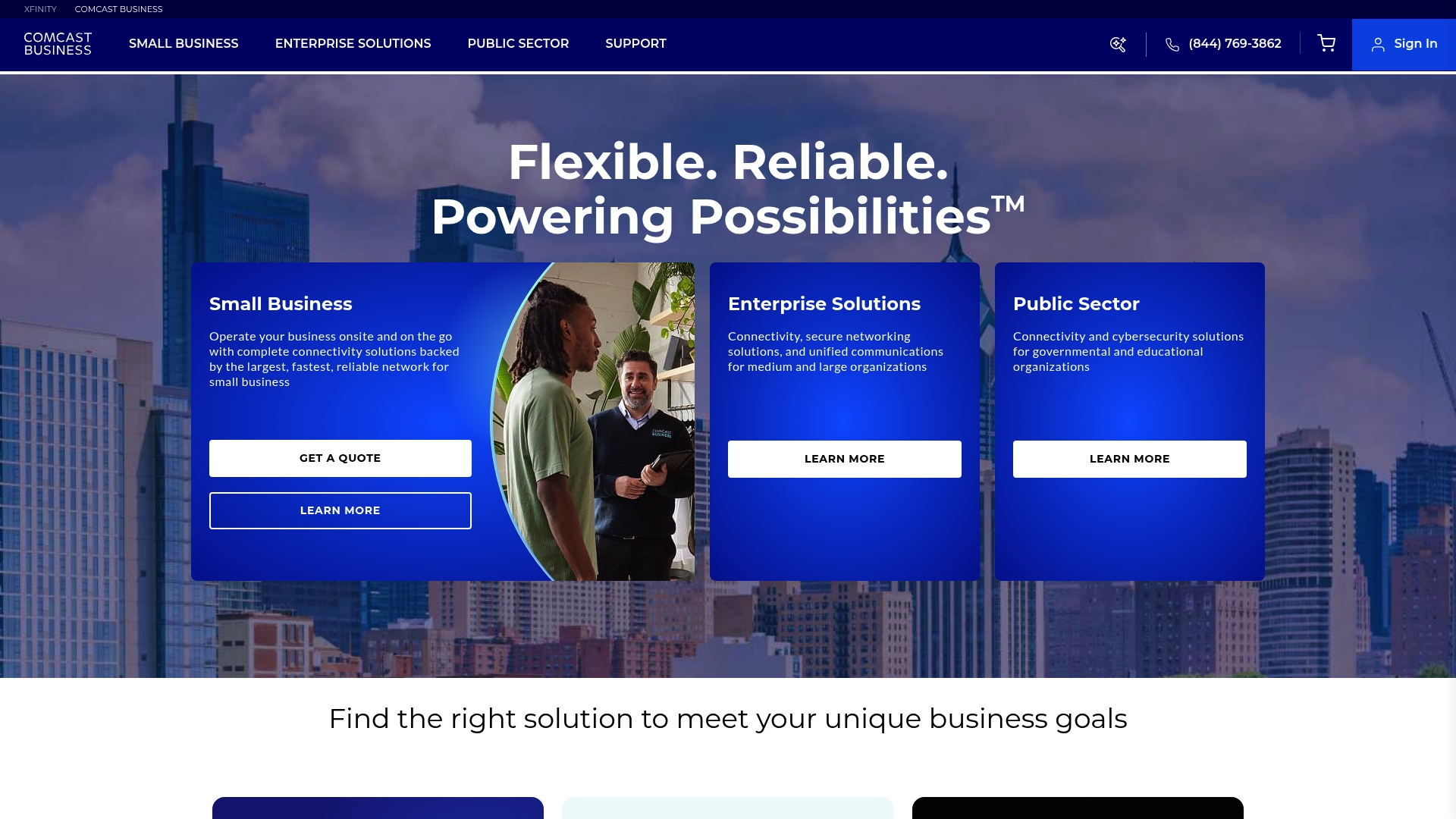
Comcast Business delivers a broad portfolio of internet, mobile, and security solutions aimed at small, medium, and large organizations, including public sector entities. Its network reliability and promotional incentives make it an attractive option for businesses that prioritize uptime and predictable onboarding discounts. However, availability and pricing terms vary by location and promotional period, so you’ll want to read the fine print before committing. Bottom line: strong infrastructure and enterprise-grade options, but pay attention to contract terms and regional availability.
Core Features
Comcast Business combines small business internet, mobile plans, and cybersecurity services with enterprise connectivity and unified communications. The offering includes secure networking for public sector customers, promotional incentives like prepaid cards and device upgrades, and flexible billing options that reward auto pay and paperless billing. Packages are customizable by business size and needs, and the provider highlights device trade-in programs and targeted promotions to lower initial costs.
Pros
- Comcast Business provides a wide range of tailored solutions so businesses of different sizes can find plans that match their technical and budgetary needs.
- The company operates a reliable and fast network infrastructure that supports daily operations, point-of-sale systems, and remote work scenarios.
- Promotional offers and device upgrade incentives help reduce upfront costs and encourage new customers to switch providers.
- Comcast offers comprehensive cybersecurity options geared toward enterprises and public sector organizations, which can simplify compliance and risk management.
- Device upgrade paths, including trade-in programs for smartphones, give businesses flexible options to refresh hardware affordably.
Cons
- Availability is limited in some areas, so the service may not be accessible to all businesses that want it.
- Contracts can include terms such as early termination fees and additional costs for equipment, taxes, and fees, which increase the total cost of ownership.
- Pricing varies by plan and features, and promotional pricing typically reverts to higher rates after introductory periods, which can surprise unprepared budgets.
Who It’s For
Comcast Business is well suited for organizations that need scalable, secure connectivity—from small retail outlets needing fast internet and basic cybersecurity to large enterprises and public sector entities requiring advanced networking and unified communications. If you value a single vendor for internet, mobile, and security and are in an area where Comcast offers service, this can simplify procurement and support.
Unique Value Proposition
Comcast Business’s strength lies in pairing a widespread, high-capacity network with bundled cybersecurity and communications options, plus promotional incentives that lower switching friction. For businesses that can access its service footprint, Comcast positions itself as a one-stop provider for connectivity and security across organizational sizes.
Real World Use Case
A small retail store switches to Comcast Business to gain high-speed internet and enterprise-level cybersecurity. During the onboarding period the retailer uses promotional offers and a device upgrade trade-in to reduce upfront costs, then relies on the steady connection for point-of-sale reliability and online orders.
Pricing
Business internet starts at $59.99 per month for 12 months with auto pay and paperless billing, or $69.99 per month without those discounts; other services and plans have varying costs and promotional discounts.
Website: https://business.comcast.com
Cox Communications
At a Glance
Cox Communications is a broad consumer and small-business connectivity provider that combines fiber-powered internet, 5G mobile service, TV and streaming, home phone, and smart home security into bundled packages. The company emphasizes reliability and affordability with multi-year price locks and incentives such as device upgrades and bill credits. If you need an all-in-one residential or small-business provider with predictable billing, Cox is worth evaluating — but availability and contract terms can limit suitability for some customers.
Core Features
Cox’s core capabilities center on high-speed fiber internet and dependable 5G mobile service, plus a full stack of adjunct services: TV and streaming packages, landline home phone service, and smart home security and automation. Plans include price-lock guarantees (two years for some internet plans and up to five years on certain bundles), and incentives like bill credits and device upgrades. The product set is intentionally broad, designed to serve households and small businesses that want one vendor for connectivity, entertainment, and basic smart-home oversight.
Pros
- Powered by fiber for high-speed internet: Cox leverages fiber infrastructure to deliver fast, consistent broadband suitable for streaming and gaming.
- Wide range of service options including internet, TV, home phone, and smart home: You can consolidate multiple services with a single provider rather than managing separate vendors.
- Affordable plans with price lock guarantees: Entry-level internet pricing and multi-year price locks lower the risk of sudden rate increases and improve budgeting predictability.
- Reliable 5G mobile service: Cox includes mobile connectivity positioned as reliable 5G, which helps provide consistent coverage for remote work and mobile teams.
- Incentives such as free device upgrades and bill credits: Promotional perks can reduce short-term cost and simplify equipment refresh cycles.
Cons
- Limited availability in certain areas based on zip code: Not all features or plans are accessible everywhere, which creates uneven service options across regions.
- Requires signing up for contracts for some plans: Contract terms can reduce flexibility, especially for businesses or households that prefer month-to-month arrangements.
- Potential extra fees for equipment, installation, and surcharges: The headline price may not include all add-ons, meaning final monthly cost can be higher than advertised.
Who It’s For
Cox is best for residential customers and small businesses that want to consolidate internet, mobile, TV, and smart-home services under one provider with predictable pricing. If you prioritize bundled savings, multi-year price locks, and promotional incentives, Cox is a practical option—provided service is available at your address and you’re comfortable with potential contract requirements.
Unique Value Proposition
Cox’s main value is convenience: fiber-backed internet and 5G mobile plus entertainment and home-security services in bundled plans with price-lock guarantees and promotional incentives. That combination reduces vendor management and simplifies billing for households and small firms.
Real World Use Case
A family uses Cox internet for 4K streaming, online gaming, and multiple smart-home sensors, while the household’s mobile lines run on Cox’s 5G service—bundled to capture savings and a multi-year price lock. Simple. Reliable. Predictable billing.
Pricing
Internet starting at $55 per month, TV starting at $71 per month, home phone at $20 per month, smart home at $15 per month, with bundle options that provide savings and extended price-lock guarantees.
Website: https://cox.com
8×8
At a Glance
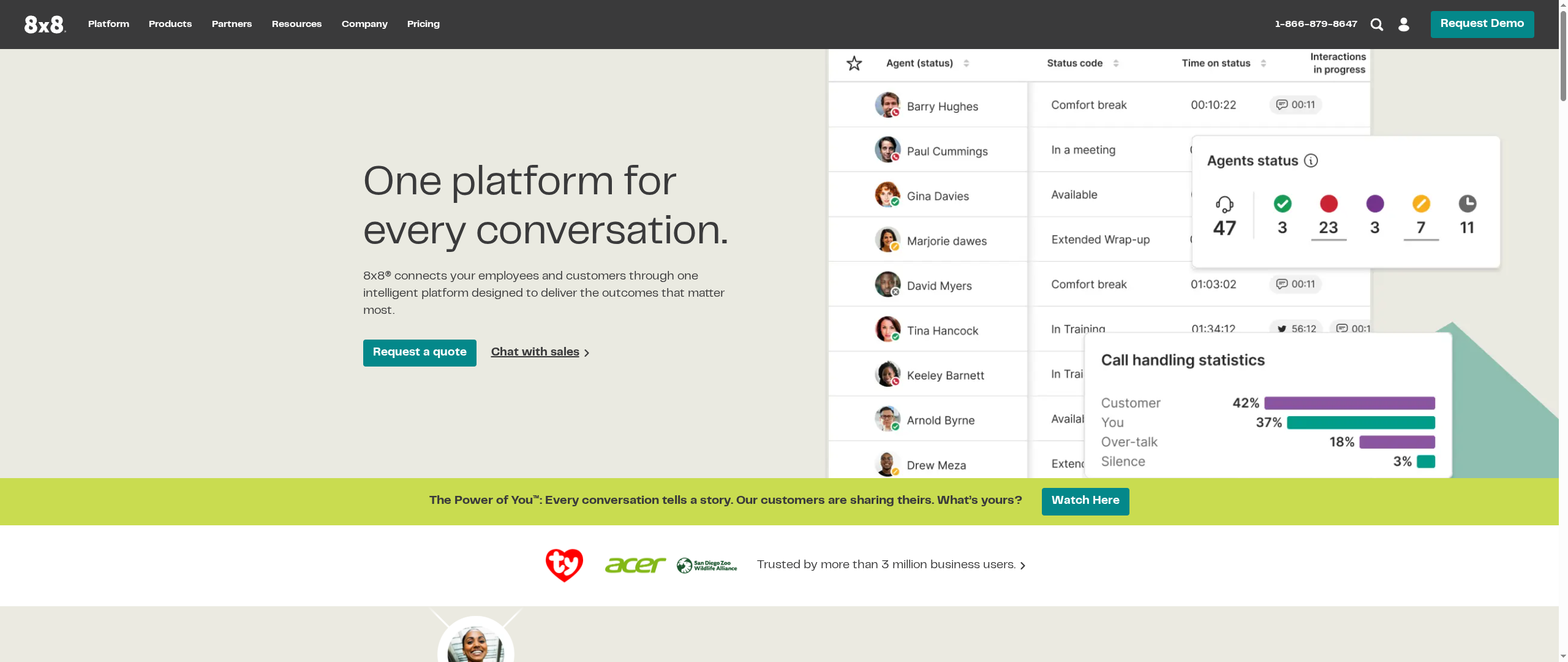
8×8 is an AI-enabled, all-in-one communications platform that brings contact center, unified communications, and no-code CPaaS together under a single roof. For organizations that want to centralize customer experience (CX) and internal collaboration, 8×8 promises a unified approach with Microsoft Teams integration and a broad partner ecosystem. The platform’s strengths are its AI capabilities and recognition in industry reports, but the provided data lacks specific limitations, user feedback, and pricing detail—important gaps when evaluating fit and total cost of ownership.
Core Features
8×8 combines Contact Center AI to streamline agent workflows, 8×8 Engage to empower customer-facing teams, and a Unified Communications suite to connect employees and customers across locations. Its no-code CPaaS enables multi-channel customer engagement through APIs, and a partner ecosystem supports integrations and deployment. The platform explicitly highlights Microsoft Teams integration, making it viable for organizations already invested in that collaboration stack.
Pros
- Unified platform: 8×8 consolidates contact center, team collaboration, and CPaaS capabilities so you can reduce vendor sprawl and manage communication workflows from one place.
- AI-enabled features: Built-in AI for contact centers is designed to simplify operations and improve customer interactions by assisting agents and automating routine tasks.
- Microsoft Teams integration: Native integration with Microsoft Teams helps preserve existing workflows and reduces friction for teams that rely on Teams for daily collaboration.
- Partner ecosystem and support resources: A network of partners and extensive support resources can accelerate implementation and provide local or specialized assistance.
- Industry recognition: Placement in industry reports such as the Gartner Magic Quadrant signals that 8×8 is a recognized player in the enterprise communications space.
Cons
- Limitations not detailed: The supplied content does not list concrete technical or functional limitations, which makes it difficult to assess areas where 8×8 might fall short compared to niche competitors.
- Lack of user review data: No user reviews or comparative performance metrics are included, so real-world reliability, ease of administration, and support quality remain unclear.
- Pricing not specified: Pricing and packaging details are not provided in the source, preventing accurate cost comparisons or ROI calculations for budget-conscious buyers.
Who It’s For
8×8 is aimed at businesses that need an integrated CX and communications platform—particularly organizations that want AI-enhanced contact centers, multi-channel engagement via APIs, and seamless Microsoft Teams interoperability. It is suited for companies seeking vendor consolidation and those that value a partner-supported deployment.
Unique Value Proposition
8×8’s core value is offering a single intelligent platform that spans contact center operations, team collaboration, and developer-friendly CPaaS, all enhanced with AI and supported by a partner ecosystem—reducing integration overhead and accelerating customer experience initiatives.
Real World Use Case
A distributed company could use 8×8 to route customer contacts through AI-assisted contact center workflows while its global teams stay connected via the unified communications suite. Integration with Microsoft Teams would let service agents and internal stakeholders collaborate on customer issues without switching platforms.
Pricing
Pricing: Not specified in the provided content.
Website: https://8×8.com
Cox Business

At a Glance
Cox Business bundles high-performance internet, phone services, cybersecurity, and business TV into tailored packages for small to large organizations. Speeds scale up to 2 Gbps, and basic business internet plans start at $65 per month. If you need integrated connectivity and security from one provider, Cox Business is a practical, consolidated option — but plan details and regional availability can complicate the buying process.
Core Features
Cox Business provides a mix of core capabilities: business internet plans (including broadband up to 2 Gbps), business phone services and bundles, cybersecurity solutions, and business TV offerings such as Contour TV and on-demand content. The company emphasizes tailored solutions sized to business needs, plus special offers and customer support options that aim to keep operations running smoothly.
Short and to the point.
Pros
- Broad service portfolio: Cox Business offers internet, voice, security, and TV in one place, which simplifies vendor management for companies that want fewer suppliers.
- High-speed options: With broadband plans that reach up to 2 Gbps, Cox can support bandwidth-heavy tasks like video conferencing and cloud backups.
- Tailored packages: Solutions and offers are designed to match different business sizes, making it easier to choose a plan that scales.
- Value-added services: Cybersecurity and managed offerings reduce the number of separate contracts you must manage.
- Customer success examples: Case studies and customer stories show real deployments, which help validate performance claims.
Cons
- Complex pricing and plan structure may confuse buyers: Multiple bundles, add-ons, and conditional fees make it harder to compare apples to apples.
- Limited availability: Cox Business is only available in certain geographic areas, so your business must be in their service footprint to benefit.
- Additional fees and requirements for some features: Several packages and advanced features can carry extra charges or prerequisites that raise the total cost of ownership.
Who It’s For
Cox Business is best for small to large businesses that prefer a single provider for internet, telephony, and security services. If your organization values bundled offerings, predictable high speeds, and the convenience of vendor consolidation, Cox is a sensible candidate. If you operate outside Cox’s coverage areas, however, you’ll need a local alternative.
Unique Value Proposition
Cox Business’s strength is consolidation: one provider that can deliver high-speed internet, bundled phone service, cybersecurity, and business TV. That unified approach reduces vendor overhead, streamlines support, and can simplify billing and management for IT leaders and office managers.
Real World Use Case
A small retail shop upgrades to Cox Business to handle increased foot traffic and digital payments. The retailer chooses a mid-tier internet plan, adds basic cybersecurity, and bundles phone service for point-of-sale and customer support — resulting in faster transactions and fewer connectivity complaints.
Pricing
Plans for selected business internet options start at $65 per month, with higher tiers and add-on services priced separately depending on speed, security, and phone bundle choices.
Website: https://cox.com/business
Dialpad

At a Glance
Dialpad is an AI-driven, all-in-one communication platform built to unify calls, messages, and meetings while adding automation and real-time intelligence. It’s strong on integrations and scalability, making it a practical choice for organizations that need a single system for customer service, sales, and internal collaboration. That said, advanced features and enterprise pricing can be a hurdle for very small teams, so expect a learning curve and potential cost trade-offs.
Core Features
Dialpad combines AI-powered customer interactions across voice, chat, and email with real-time transcripts, call summaries, and decision-capable AI agents that can take actions based on goals. The platform supports omnichannel engagement and offers integrations with major business apps such as Salesforce, Zendesk, Microsoft Teams, and Google Workspace, which lets you keep CRM and collaboration data synchronized while surfacing insights from live conversations.
Pros
- Comprehensive all-in-one communications: Dialpad brings voice, messaging, and meetings into a single platform so you avoid stitching together multiple tools.
- Strong AI capabilities: Real-time transcripts, call summaries, and AI agents help automate routine tasks and surface actionable insights from conversations.
- Excellent integrations: Native integrations with CRM and help-desk apps make it easier to route information and maintain context across systems.
- Scalable for growth: Dialpad is designed to serve small teams through large enterprises, which simplifies scaling without swapping platforms.
- Secure and compliant: The platform is described as secure and compliant with industry standards, which supports more regulated use cases and enterprise procurement.
Cons
- Transparent enterprise pricing is limited: Enterprise plan details are available only on request, which can slow procurement decisions and budgeting for some buyers.
- Feature complexity for smaller teams: The breadth of AI and automation features can be overwhelming for new or smaller teams that lack specialized admin resources.
- Premium plans may be costly for small businesses: While entry-level tiers exist, the advanced capabilities that deliver the most value are likely in higher-priced plans, which may strain tight budgets.
Who It’s For
Dialpad is best for businesses that want integrated, AI-powered communications with multi-channel support and robust integrations. It suits customer service and sales teams that rely on conversation intelligence, IT leaders who need scalable, secure telephony, and organizations that plan to grow into more advanced automation and analytics features.
Unique Value Proposition
Dialpad’s edge is its combination of real-time conversational intelligence and actionable AI agents within a unified communications suite. Rather than adding point solutions for transcription, automation, and telephony, you get an integrated system that translates live interactions into summaries, actions, and CRM context.
Real World Use Case
A company can deploy Dialpad’s AI agents to automate first-line customer support, route complex issues to specialists, and generate real-time summaries for supervisors—reducing handling time while improving coaching and quality assurance.
Pricing
Standard from $15/user/month, Pro from $25/user/month, and Enterprise pricing available upon request; assess total cost based on needed AI features and integration requirements.
Website: https://dialpad.com
VoIP and Communication Tools Comparison
This table provides a comprehensive comparison of various VoIP and communication tools, summarizing their key features, pros, cons, pricing, and usability to help you make an informed decision.
| Provider | Key Features | Pros | Cons | Pricing |
|---|---|---|---|---|
| VoIPcom | Hosted PBX, business texting, voicemail-to-email, call monitoring | Cost-effective; Comprehensive management; Excellent customer service | Unspecified scalability and international capabilities | From $35 per seat for voice |
| RingCentral | Unified comms with AI, video conferencing, AI receptionist | Integrated platform; Enterprise-grade; Extensive integrations; Advanced AI | Potentially costly; Complexity requires training | From $39 per user, additional costs for add-ons |
| Nextiva | AI-powered CX & unified comms, multi-channel engagement, real-time dashboards | Comprehensive platform; AI orchestration; Flexible for industries; High customer satisfaction | Complex setup; Pricing transparency limited | From $15 per user |
| Comcast Business | Internet, mobile, and security solutions; promotional incentives | Tailored solutions; Reliable network; Device upgrade paths | Limited availability; Complex contracts and fees | From $59.99 per month |
| Cox Communications | Fiber internet, 5G mobile, TV & streaming, smart home security | Fast fiber internet; Wide service range; Affordable with price locks | Limited service areas; Contract requirements; Extra fees | Internet from $55 per month |
| 8×8 | Contact center AI, unified comms, no-code CPaaS, Microsoft Teams integration | Unified platform; AI-enabled; Robust integrations | Limitations not detailed; Lack of pricing info | Pricing not specified |
| Cox Business | High-performance internet, phone services, cybersecurity, business TV | Broad portfolio; High-speed options; Tailored packages | Complex pricing; Limited availability | Internet from $65 per month |
| Dialpad | AI-driven omnichannel engagement, real-time intelligence, strong integrations | Comprehensive platform; Strong AI capabilities; Scalable | Limited pricing transparency; Feature complexity | Standard from $15/user/month |
Upgrade Your Business Communications with Voipcom Today
The article highlights how choosing the right business phone system is crucial to overcome legacy complexity, unpredictable fees, and limited features. If you are frustrated by outdated phone systems or are looking for a solution that supports a mobile workforce, transparency in pricing, and expert hands-on management, Voipcom delivers exactly that. With our fully managed hosted PBX solutions, AI-powered calling, seamless Microsoft Teams integration, and all-inclusive pricing, you gain reliable and scalable communications that empower your team and reduce your IT burden.
Why settle for complicated setups or surprise fees when you can have:
- Local, responsive support ready to help by phone, text, or email
- A comprehensive, modern feature set including voicemail-to-email, business texting, and call monitoring
- Flexible plans that scale with your business needs and compliance requirements
Experience firsthand why so many businesses choose Voipcom for their communications transformation.

Ready to move beyond the headaches of legacy phone systems? Explore our Voipcom solutions and schedule a personalized consultation today for a hassle-free, all-inclusive business phone system. Discover the difference that expert management and predictable pricing can make for your business. Visit Voipcom now to get started and take control of your communications future.
Frequently Asked Questions
What should I consider when choosing a business phone system for 2025?
Choosing a business phone system requires evaluating features like call management, scalability, and integration with existing tools. Determine your specific communication needs and establish a budget, then compare systems based on those criteria to make an informed decision.
How can a business phone system improve team collaboration?
A business phone system enhances team collaboration by providing features such as conference calling, messaging, and shared voicemail. Implement a system that supports these functionalities to facilitate real-time communication and streamline workflows among team members.
What are the costs typically associated with business phone systems?
Costs for business phone systems can vary widely based on features and the number of users, with basic plans starting around $15 per user per month and advanced features increasing the price. Review pricing structures and potential add-ons to effectively budget for your needs.
How long does it take to set up a new business phone system?
Setting up a new business phone system usually takes between a few days to a few weeks, depending on the complexity of the system and your organization’s size. To minimize downtime, plan your installation process and ensure all necessary equipment and software are ready in advance.
What features are essential for a business phone system in 2025?
Essential features for a business phone system in 2025 include call forwarding, voicemail-to-email, video conferencing, and mobile compatibility. Assess your organization’s specific needs and prioritize systems that offer these features to enhance communication effectiveness.
How can I ensure compliance with regulations when using a business phone system?
To ensure compliance with regulations, select a business phone system that offers built-in security features such as data encryption and compliance certifications. Regularly review your system’s security settings and ensure that all users are trained on best practices for data management.