


AT&T stopped supporting traditional copper phone lines in over 20 states during late 2025, leaving thousands of small businesses vulnerable. If you’re still relying on a legacy phone system in Arizona or Colorado, you’re facing mounting risks: skyrocketing repair costs, security vulnerabilities, and zero manufacturer support. Modern cloud-based phone systems offer the opposite: 50% cost savings, 99.99% uptime, and seamless support for remote teams. This guide walks you through the urgent reasons to upgrade and exactly how to do it.
Key takeaways
| Point | Details |
|---|---|
| Legacy systems are end-of-life | Major carriers ended copper line support in 2025, causing rising costs and vanishing parts availability. |
| Continuing use poses serious risks | Security gaps, hardware failures, and operational unpredictability threaten business continuity. |
| Modern VoIP cuts costs dramatically | Cloud phone systems reduce communication expenses up to 50% with transparent, all-inclusive pricing. |
| Migration requires careful planning | Successful upgrades demand inventory, vendor selection, staged cutover, and employee training. |
| Upgrading future-proofs your business | Modern systems deliver scalability, integration, and agility that legacy platforms cannot match. |
The risks of keeping legacy phone systems
Major telecom providers made a decisive move in late 2025. Copper-based POTS lines are being actively decommissioned by carriers nationwide, shrinking support availability and driving up maintenance costs for businesses still dependent on these systems. For small businesses in Arizona and Colorado, this shift creates immediate operational pressure.
Voipcom delivers cloud phone systems for Scottsdale businesses and Castle Rock business phone systems from local offices. For the rest of the stack, see cloud phone service for Phoenix and Denver businesses.
Hardware failures now carry serious downtime risk. Replacement parts for legacy PBX equipment have become scarce or unavailable entirely. When a phone module or circuit board fails, you might wait weeks for a technician to source discontinued components, assuming they exist at all. That downtime directly impacts customer service, sales calls, and internal coordination.
Security vulnerabilities present an even darker picture. Legacy phone systems rely on outdated protocols that receive no security patches or updates. Toll fraud, where hackers exploit system weaknesses to rack up expensive international call charges, has become alarmingly common. Eavesdropping on unencrypted analog lines poses privacy and compliance risks that modern businesses cannot afford.
Manufacturers abandoned support and updates for legacy phone equipment years ago, leaving systems frozen in time without defenses against evolving threats.
The operational unpredictability compounds these issues. Consider these specific risks:
- No manufacturer warranty or technical support remains available for end-of-life equipment
- Rising carrier fees for legacy line maintenance create budget uncertainty
- Inability to integrate with modern software tools limits productivity gains
- Limited scalability prevents adding lines or features as your business grows
- Lack of remote work capabilities restricts workforce flexibility
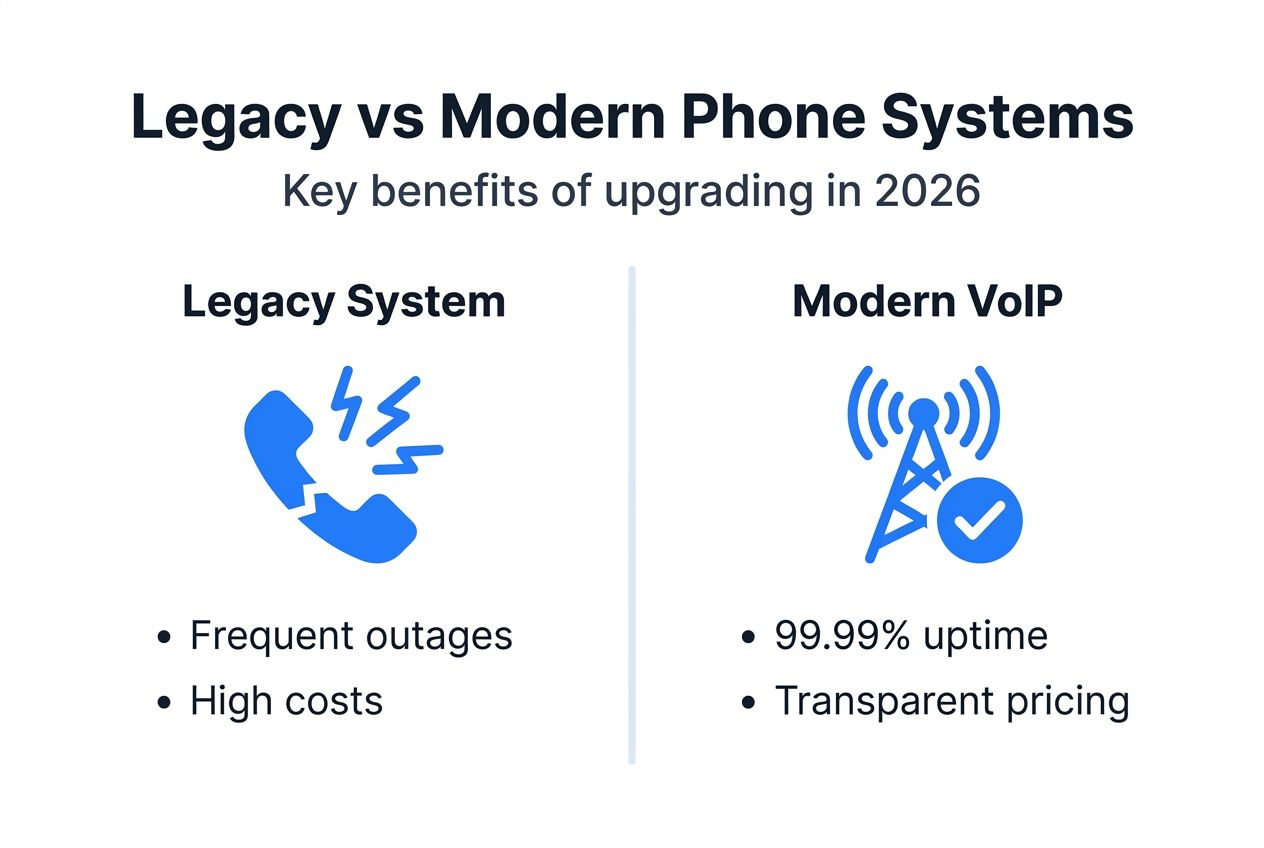
Businesses clinging to legacy systems face a question of when, not if, critical failures will occur. The comparison between VoIP versus legacy phone systems reveals stark differences in reliability, cost, and capability that make upgrading not just smart, but essential for survival in 2026.
Financial benefits of modern phone systems
Switching to cloud-based VoIP delivers immediate and lasting financial advantages. Businesses can reduce communication expenses by 50% by eliminating expensive hardware purchases, maintenance contracts, and inflated per-line charges that define legacy systems.

Transparent pricing models represent a fundamental shift. Modern providers offer all-inclusive monthly fees covering setup, hardware, features, and support. No surprise charges for moves, adds, or changes. No hidden porting fees or equipment rental costs. You pay a predictable amount per user, simplifying budget planning and eliminating the invoice shock common with traditional telecom billing.
Maintenance cost savings add up quickly. Cloud providers handle all system updates, security patches, and infrastructure management remotely. You never pay for on-site technician visits, replacement hardware, or emergency repairs. The provider maintains redundant data centers, backup systems, and monitoring tools as part of your subscription.
Consider the total cost breakdown:
- Eliminated capital expenses for PBX hardware and installation
- Reduced monthly per-line fees compared to traditional phone service
- Zero charges for system upgrades or feature additions
- Lower IT labor costs due to fully managed service
- Decreased downtime expenses from improved reliability
The indirect savings matter just as much. Higher system uptime means fewer missed calls and lost sales opportunities. Employees spend less time troubleshooting phone problems and more time serving customers. Remote work capability eliminates office space costs for some roles.
Pro Tip: When evaluating providers, ask for a total cost of ownership comparison over three years, not just monthly pricing. Include hidden costs like setup fees, change requests, and equipment upgrades that legacy systems bury in fine print.
The cost-effective phone system setup guide shows exactly how to calculate your potential savings and build a business case that clearly justifies the upgrade investment to stakeholders who need concrete numbers.
Modern communication capabilities and productivity gains
Cloud-based phone systems deliver 99.99% uptime guarantees that translate to less than five minutes of downtime per month. Redundant data centers, automatic failover, and geographic distribution ensure your phones keep working even during local internet outages or power failures. Legacy systems cannot compete with this reliability architecture.
Mobile apps and softphone technology transform how teams work. Employees answer business calls on smartphones using your company number, maintaining professional presence from anywhere. Desktop softphones turn laptops into full-featured phone stations without additional hardware. This flexibility supports remote workers on your phone system seamlessly, crucial for hybrid work models.
Integration capabilities unlock productivity improvements legacy systems cannot touch:
- Microsoft Teams calling turns collaboration platforms into complete phone solutions
- CRM integration displays customer records automatically during incoming calls
- AI-powered features transcribe voicemails and analyze call sentiment
- Analytics dashboards reveal call patterns, wait times, and agent performance
- Automated attendants and call routing reduce manual call handling
Video calling, team messaging, and SMS texting combine with voice in unified communications platforms. Customer engagement improves when you can text appointment reminders, send verification codes, or switch seamlessly from chat to voice call. These tools come standard with modern systems, not as expensive add-ons.
| Feature | Legacy System | Modern VoIP |
|---|---|---|
| Uptime guarantee | None | 99.99% |
| Mobile app access | Not available | Included |
| CRM integration | Requires expensive gateway | Native support |
| Remote work support | Limited or impossible | Full feature parity |
| Scalability | Hardware-limited | Instant user addition |
Cloud architecture scales effortlessly. Adding new users takes minutes in a web portal, not days waiting for technician visits and hardware installation. Seasonal staffing fluctuations, business growth, or office expansions happen without infrastructure constraints.
Pro Tip: Prioritize providers offering native integrations with tools you already use. Forcing employees to juggle multiple disconnected systems destroys the productivity gains modern communications promise.
The impact on hybrid work extends beyond simple call forwarding. Modern systems enable truly distributed teams to collaborate as effectively as co-located ones, supporting business models that legacy infrastructure makes impossible.
Common misconceptions about legacy phone systems
Several persistent myths prevent businesses from upgrading despite clear benefits. Clearing these misunderstandings helps decision makers move forward confidently.
Myth one claims legacy systems perform better during power outages. Reality paints a different picture. Modern VoIP systems with battery backup and redundant internet connections maintain reliable service when power fails. Cloud infrastructure with geographically distributed servers continues operating even if your local facility loses electricity. Legacy systems depend entirely on local power or limited battery backup that dies within hours.
Myth two insists legacy phone systems offer superior security. This belief ignores fundamental technical realities:
- Analog copper lines transmit unencrypted audio anyone can tap physically
- Legacy PBX equipment receives no security updates or vulnerability patches
- Toll fraud exploits in outdated systems cost businesses millions annually
- Physical security depends on locked telecom closets, easily compromised
Modern VoIP encrypts all voice traffic using enterprise-grade protocols. Providers monitor systems 24/7 for suspicious activity, blocking fraud attempts automatically. Regular security updates protect against emerging threats. Multi-factor authentication and role-based access controls prevent unauthorized system changes.
Myth three suggests legacy features adequately support business scalability and growth. This misconception crumbles under scrutiny. Legacy systems require expensive hardware purchases and professional installation to add capacity. Feature upgrades demand new equipment or costly license fees. Integration with modern business software ranges from difficult to impossible.
Cloud platforms scale instantly through web portals. Features activate with checkbox clicks, not hardware installations. APIs enable deep integration with CRM, helpdesk, and analytics platforms. Businesses adapt quickly to changing needs without infrastructure limitations.
The reliability myth deserves special attention. While copper lines worked during power outages historically, carrier decommissioning has degraded that network substantially. Maintenance backlogs, aging infrastructure, and declining investment mean legacy reliability advantages have evaporated. Modern systems with proper redundancy now exceed legacy uptime performance.
Planning and executing legacy phone system replacement
Successful migration starts with comprehensive inventory. Document every phone, extension, auto attendant, call queue, and integration your current system supports. Map call flows showing how calls route through departments. Identify all applications connected to your phone system, from security systems to elevator emergency lines. This inventory prevents surprises during cutover.
Assess total cost of ownership next. Compare your current monthly telecom bills, maintenance contracts, and hardware depreciation against modern system pricing. Factor in hidden costs: technician calls, system downtime, productivity losses from limited features. Build a three-year comparison showing cumulative savings to justify investment.
Select a fully managed provider offering migration assistance and local support. Prioritize vendors with experience migrating businesses similar to yours in size and industry. Verify they provide:
- Detailed migration planning and project management
- Number porting without service interruption
- Hardware provisioning and pre-configuration
- On-site installation and testing support
- Employee training and documentation
- Post-launch optimization and troubleshooting
Develop a staged migration plan minimizing risk. Start by moving non-critical departments or locations first, validating system performance before migrating customer-facing teams. Schedule cutover during low-traffic periods. Maintain parallel systems briefly, allowing fallback if issues emerge. Document rollback procedures before beginning.
Implementation execution requires careful coordination:
- Port phone numbers weeks before cutover to avoid delays
- Configure and test new system thoroughly in parallel
- Train employees on new features and workflows before go-live
- Execute cutover during scheduled maintenance window
- Monitor system performance closely for first 48 hours
- Optimize based on user feedback and usage patterns
Pro Tip: Assign internal champions in each department who receive extra training and support early adopters during the transition period. Their peer assistance reduces support burden and improves employee adoption.
Post-migration optimization delivers the full value. Review call analytics to identify bottlenecks. Adjust auto attendant menus based on caller behavior. Integrate additional applications as teams become comfortable. The cost-effective phone system setup guide provides detailed implementation checklists, and the business phone system basics guide explains foundational concepts for planning your approach.
Upgrade your business phone system with Voipcom
Your business deserves communication infrastructure built for 2026, not 1996. Voipcom specializes in helping Arizona and Colorado SMBs escape legacy phone system limitations with fully managed cloud solutions that cut costs while improving reliability and capabilities.

Our all-inclusive pricing eliminates surprise fees. No setup charges, no porting fees, no equipment rental costs. You get transparent monthly billing covering everything from installation to ongoing support. Our local teams handle every technical detail, from planning through optimization, letting you focus on running your business instead of managing phone systems. With 24/7 support, Microsoft Teams integration, mobile apps, and AI-powered features, we deliver enterprise capabilities at SMB prices. Explore our business phone system guide to see how modern communications transform operations, or review the setup guide for implementation details. Ready to leave legacy limitations behind? Contact our team to discuss your specific needs and receive a customized migration plan.
FAQ
What are the main signs it’s time to replace a legacy phone system?
Frequent equipment failures signal immediate replacement need, especially when parts become unavailable or repairs exceed replacement costs. Rising monthly telecom bills without added value indicate you’re subsidizing obsolete infrastructure. Loss of carrier support, manufacturer end-of-life notices, and inability to support remote workers all demand urgent action. Security vulnerabilities from lack of updates and missing integration with modern business tools also justify upgrading. If your system limits business growth or flexibility, replacement time has arrived.
How does a cloud-based VoIP system improve business communication?
Cloud systems deliver 99.99% uptime guarantees ensuring calls connect reliably when customers need you. Mobile apps and softphones give employees full phone functionality anywhere, supporting remote and hybrid work seamlessly. Unified platforms combine voice, video, messaging, and texting in single interfaces, simplifying communication. Native integration with CRM, helpdesk, and productivity tools eliminates data silos and automates workflows. Transparent pricing and fully managed service reduce IT burden while cutting costs substantially.
What are the key considerations when migrating from legacy to VoIP?
Inventory all existing hardware, phone numbers, and system dependencies before starting migration planning. Choose providers offering fully managed migration with local support teams experienced in your industry. Plan staged cutovers starting with non-critical departments to validate performance before moving customer-facing teams. Ensure adequate employee training happens before go-live to maintain productivity during transition. Budget time for number porting, typically 2-4 weeks, and maintain backup communication methods during initial cutover period.
Are legacy phone systems really more secure than modern solutions?
Legacy systems offer no meaningful security advantages and present serious vulnerabilities instead. Unencrypted analog transmissions allow easy eavesdropping through physical line taps. Outdated protocols and equipment receive zero security patches, leaving known exploits unaddressed indefinitely. Toll fraud targeting legacy PBX systems costs businesses millions annually through unauthorized international calls. Modern VoIP encrypts all traffic, provides continuous security monitoring, receives regular updates, and implements multi-factor authentication preventing unauthorized access. Upgrading substantially improves communication security posture.
Recommended
- Modernize phone systems in 2026: Cut costs by 50% today – Voipcom
- How to Set Up Business Phone System for 2025 Success – Voipcom
- VoIP Versus Legacy Phone Systems: Complete Guide – Voipcom
- 7 Business Phone Trends 2025 Every SMB Must Know – Voipcom
Move your phones to the cloud: See the Voipcom hosted PBX and business VoIP.