


A single network outage in Phoenix or a winter storm in Denver can leave your firm scrambling to reconnect with clients and keep cases moving. Law practices across Arizona and Colorado must protect critical functions like client communication and case management to avoid costly disruptions. This article highlights how a structured business continuity workflow offers HIPAA-compliant, cost-effective solutions that help your firm stay resilient and ready for anything—from cyberattacks to natural disasters.
Key Takeaways
| Point | Details |
|---|---|
| Business Continuity Workflow is Essential | A structured approach to business continuity is crucial for law firms, ensuring rapid recovery from disruptions. |
| Regular Testing and Updates are Needed | Continuous testing and updating of plans keep them effective and relevant as organizational needs evolve. |
| Clear Roles and Responsibilities Promote Efficiency | Assigning specific roles within the continuity team ensures quick decision-making during crises. |
| Mitigating Risks Before They Occur is Critical | Identifying potential risks and developing mitigation strategies proactively protects client relationships and firm reputation. |
What Business Continuity Workflow Means
Business continuity workflow is the process your law firm uses to keep operating when something goes wrong. Whether it’s a network outage, a natural disaster, or a cyberattack, this workflow determines how quickly you recover and serve clients.
Comparing providers? See IT support and cybersecurity in Denver and Phoenix managed IT services, or explore managed IT and IT support across Phoenix and Denver.
Business Continuity Management (BCM) identifies the critical functions your firm cannot lose and plans how to maintain them during disruptions. Think of it as mapping your firm’s lifeline during a crisis.
The workflow starts with understanding what actually matters:
- Client communication systems (phone lines, email, video conferencing)
- Critical case files and documents
- Staff access to resources
- Financial transaction processing
- Court filing deadlines
This isn’t theoretical. A one-hour outage in your phone system means missed client calls and delayed case updates. A two-day data loss means recreating weeks of work.
Business continuity planning includes organizing your continuity team and compiling a plan that manages disruptions. The process follows a structured workflow: preparation, defining objectives, analyzing risks, developing recovery strategies, implementing plans, and testing everything to ensure it works when you need it.
For law firms in Denver and Phoenix, this workflow becomes even more critical. You’re managing cases across time zones, coordinating with courts in multiple jurisdictions, and juggling remote team members spread across both locations. When your communications fail, your entire practice stalls.
The core workflow steps look like this:
- Identify critical business functions (what keeps your firm running)
- Map dependencies (what systems support those functions)
- Define recovery time objectives (how fast you need to bounce back)
- Create recovery procedures (step-by-step restoration plans)
- Test regularly (quarterly or semi-annually)
- Update as your firm grows
Many law firms overlook this until disaster strikes. By then, it’s too late.
A documented continuity workflow reduces recovery time from days to hours and protects your firm’s reputation with clients.
The workflow also connects to your broader disaster response strategy. Understanding protecting business continuity during actual emergencies means having backup phone systems, redundant internet connections, and cloud-based case management in place before the crisis happens.
Without this workflow, you’re gambling with client relationships. With it, you’re protected.
Pro tip: Start your workflow by listing your top 10 critical functions, then identify which ones depend on phone and internet systems—this clarity makes planning manageable and focused on what actually protects your practice.
Core Steps in Continuity Planning
Building a solid continuity plan requires following a structured process. Skipping steps leaves gaps that show up when you actually need the plan.
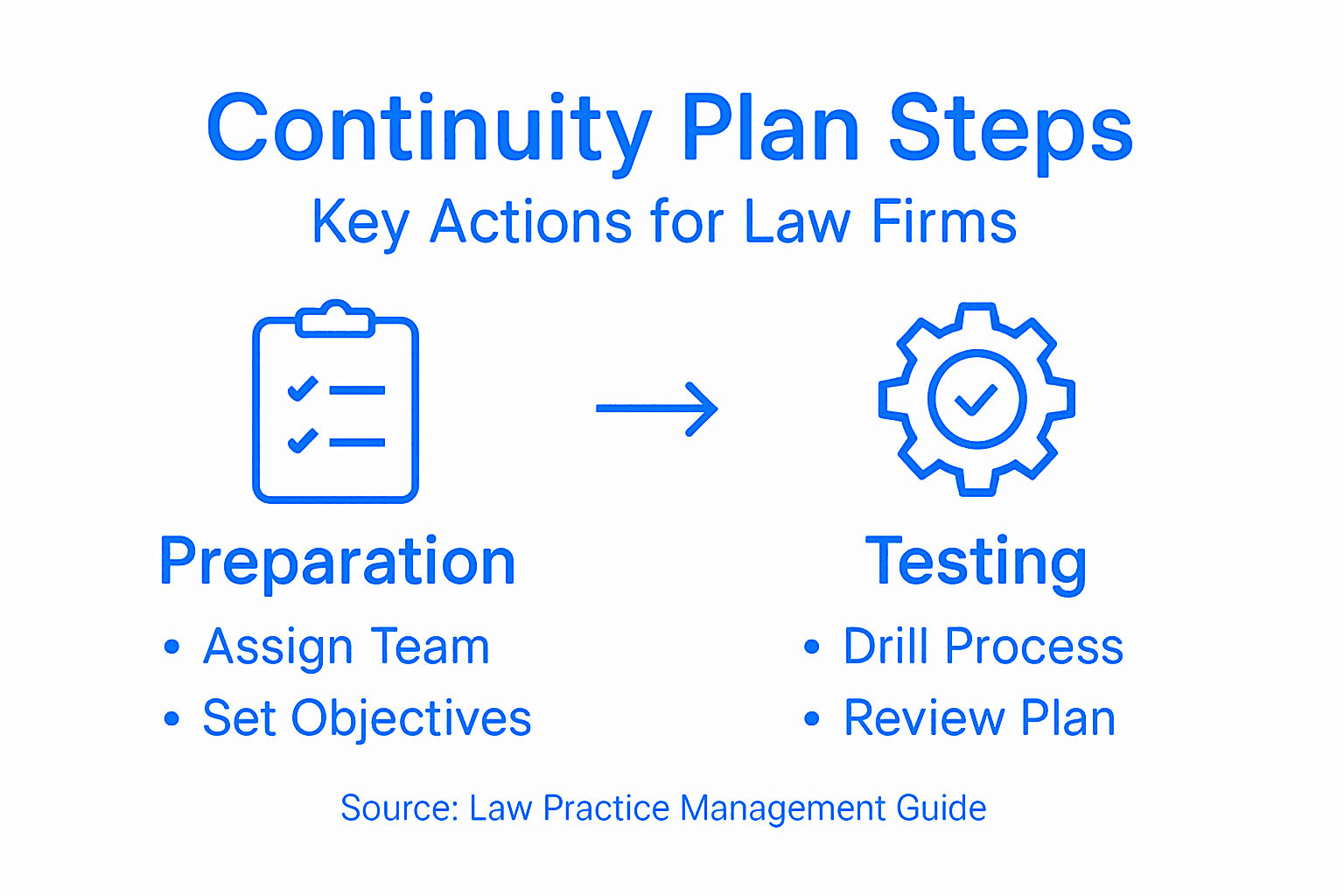
The six-step business continuity process starts with preparation and ends with regular maintenance. Each step builds on the previous one, creating layers of protection for your law firm.
Step 1: Prepare and Organize Your Team
You can’t plan alone. Assign a continuity coordinator and form a team with representatives from each department—attorneys, paralegals, IT staff, and office managers all have critical input.

This team needs clear authority and budget. They’ll drive the entire planning process forward.
Step 2: Define Your Objectives
What does success look like after a disruption? You need measurable targets:
- Maximum acceptable downtime before client communications fail
- How long you can operate with limited resources
- Which cases must stay active first
- Timeline for full recovery
These become your recovery time objectives. They guide every decision moving forward.
Step 3: Analyze Risks and Business Impact
You need to understand what could go wrong and what would hurt most. A ransomware attack affects data access. A phone system failure stops incoming calls. Flooding damages your office location.
For Denver firms, winter storms and power outages pose real threats. Phoenix practices face equipment failures from extreme heat. Both locations need plans for wildfires and air quality events.
List every critical business function, then map the risks that could disrupt it.
Step 4: Develop Continuity Strategies
Once you know your risks, create specific responses. This is where communication tools become essential.
- Backup phone systems that route calls to mobile devices
- Cloud-based case management accessible from anywhere
- Redundant internet connections
- Alternative office locations or work-from-home protocols
A documented strategy with backup systems means your team can work from anywhere, keeping cases moving forward.
Step 5: Implement and Test Your Plan
Plans on paper don’t work. You need actual systems in place and regular testing. Run quarterly drills where your team simulates a disruption and follows the recovery procedures.
Test your backup phone lines. Verify your cloud access works from home. Practice case file retrieval from backups.
Step 6: Maintain and Update Regularly
Organizations change. New staff join. Technology evolves. Your plan becomes outdated quickly without regular reviews.
Schedule annual updates at minimum. Review when you hire new attorneys, move offices, or change software systems.
Pro tip: Start with Step 3—conduct a one-day risk analysis workshop with your team to identify your top five threats, then build your recovery strategies around those specific risks rather than trying to address everything at once.
Key Features for Legal Compliance
Law firms operate under strict regulatory frameworks. Your continuity plan must address these requirements directly or you’re exposing your practice to liability.
Documentation and Record-Keeping
Every aspect of your continuity plan must be documented. This means written procedures, not informal agreements. When a disruption occurs, your team follows documented steps, not guesses.
Documentation also protects you legally. If a client sues over service interruption, you can show you had a plan in place and followed it.
Keep records of:
- Your risk assessment and analysis
- Recovery procedures for each critical function
- Testing results from drills and exercises
- Updates and revisions to the plan
- Staff training completion records
Clear Roles and Responsibilities
When chaos hits, people need to know exactly what to do. Assign specific roles before the crisis, not during it.
Designate a continuity coordinator, backup systems manager, client communication lead, and data recovery specialist. Each person knows their job and backup coverage.
Training and Awareness
Your team can’t execute a plan they don’t understand. Regular training ensures everyone knows their role and can act quickly when needed.
Conduct annual training sessions and quarterly refresher drills. Document attendance. When new staff join, get them up to speed immediately.
Data Security and Protection
Business continuity overlaps directly with cybersecurity compliance. Your continuity plan must address HIPAA-compliant email systems since client communications often contain sensitive information about cases, settlements, or personal details.
Your backup systems must be encrypted. Your recovery procedures must address data handling securely. Your communications tools must maintain attorney-client privilege and client confidentiality.
Governance and Oversight
Business continuity plans must align with laws and regulations in your jurisdiction. Colorado and Arizona have different regulatory frameworks, and federal law may apply depending on your client base.
Establish oversight processes. Who reviews the plan quarterly? Who approves updates? Who ensures compliance with state bar requirements?
Testing and Validation
Theory fails under pressure. Your plan must be tested regularly to verify it actually works.
Conduct full-scale exercises annually. Run tabletop discussions quarterly. Test specific components monthly. Document every test result.
A tested and documented continuity plan demonstrates due diligence to regulators, bar associations, and clients—turning compliance from a burden into competitive advantage.
Client Communication Protocols
Your continuity plan must specify how you’ll notify clients of disruptions. What channels will you use? How quickly will you communicate? What information will you provide?
These protocols protect both clients and your firm. Clients know you have a plan. Your firm documents compliance with notification requirements.
Pro tip: Create a compliance matrix mapping each requirement from your state bar association, federal regulations (like HIPAA if applicable), and your professional liability insurance directly to corresponding sections of your continuity plan—this makes audits and updates dramatically faster.
Common Risks and How to Mitigate Them
Law firms face specific threats that could disrupt operations. Understanding these risks and preparing defenses separates firms that recover quickly from those that collapse.
Natural Disasters and Environmental Threats
Denver experiences winter storms, hail, and occasional flooding. Phoenix faces extreme heat that overloads power grids, plus dust storms and monsoons. Both locations deal with wildfires and poor air quality.
These aren’t theoretical. A 2021 Denver hailstorm caused $2.2 billion in damage. Phoenix summer temperatures regularly exceed 120 degrees, straining electrical infrastructure.
Mitigation strategies include:
- Maintaining off-site backup servers in climate-controlled facilities
- Establishing alternative office locations outside your city
- Securing redundant power and internet connections
- Testing remote work capabilities quarterly
Technology Failures
Your phone system crashes. Your internet goes down. Your case management software becomes inaccessible. These aren’t rare events. They happen regularly.
Business impact analysis and risk evaluation help you identify which technology failures hurt most. Your phone system probably ranks higher than your office printer.
Implement backup systems before problems occur. Backup phone systems should route to mobile devices automatically. Cloud-based case management keeps files accessible anywhere.
Cyber Threats
Ransomware, data breaches, and email compromise threaten law firms constantly. Your sensitive client information is valuable to criminals.
Mitigation requires multiple layers:
- Email encryption and security
- Regular staff cybersecurity training
- Automated backup systems
- Incident response procedures
- Strong authentication controls
Human Threats and Personnel Issues
Key employees leave suddenly. Office conflicts escalate. Disgruntled staff compromise systems. These happen more often than you’d expect.
Build redundancy into your roles. Cross-train staff. Limit access to sensitive systems. Document all procedures so knowledge isn’t locked in one person’s head.
Reputation and Client Loss
When your firm goes down, clients notice immediately. They’ll switch to competitors if you can’t serve them. Recovering client trust takes longer than recovering systems.
Your continuity plan must address client communication. How will you notify them? How will you explain the disruption? What timeline will you provide for resuming service?
The best mitigation for any risk is preparation before the crisis arrives—testing your recovery procedures regularly proves they actually work when needed.
Implementation and Monitoring
Mitigation fails if it’s not maintained. Assign someone to monitor your backup systems monthly. Review your continuity plan annually. Update procedures when your firm changes.
Conduct exercises at least twice yearly. Run a realistic scenario where your main office is unavailable. Walk through the recovery procedures. Document what works and what doesn’t.
Here’s a streamlined summary of business continuity risks and their impacts for law firms:
| Risk Category | Potential Impact | Most Effective Mitigation |
|---|---|---|
| Natural Disasters | Office closure, lost documents | Off-site backups, remote locations |
| Technology Failures | Inaccessible case files, missed calls | Redundant systems, cloud solutions |
| Cyber Threats | Data breaches, ransomware attacks | Encryption, cybersecurity training |
| Personnel Changes | Lost expertise, internal breaches | Cross-training, documented procedures |
| Reputation Damage | Client loss, trust erosion | Fast communication, thorough planning |
Pro tip: Prioritize mitigation investments based on the combination of likelihood and impact—focus first on threats that could happen soon and would cause significant damage, which for most law firms means phone system and internet redundancy before worrying about less probable scenarios.
Cost, Support, and Choosing the Right Solution
Continuity solutions vary wildly in price and capability. A $50-per-month backup service won’t replace a $5,000-per-month fully managed solution. Knowing what you actually need prevents overspending and under-protection.
Understanding Total Cost
Many law firms focus only on upfront expenses. That’s a mistake. The real cost includes implementation, training, ongoing support, testing, and updates.
A cheap solution that requires constant troubleshooting costs more than a reliable solution with responsive support. Calculate total cost of ownership, not just monthly fees.
Consider these factors:
- Monthly service fees and licensing costs
- Initial setup and implementation expenses
- Staff training and onboarding time
- Ongoing maintenance and updates
- Testing and exercise coordination
- Emergency support availability
Support Quality Matters
When your firm goes down, you need help immediately. A vendor with 24-hour support and local expertise beats cheap offshore support every time.
Ask vendors these questions:
- What are your support hours?
- How quickly do you respond to emergencies?
- Do you have local engineers or remote-only?
- What’s included in support versus what costs extra?
- Can you handle our specific compliance requirements?
For law firms in Denver and Phoenix, local support means someone who understands your market and can respond quickly. Time zone alignment matters when you’re in crisis mode.
Compare support features among continuity solution vendors with this quick reference:
| Feature | Local Provider | National Vendor | Offshore Support |
|---|---|---|---|
| Response Speed | Rapid, within hours | Same/next day | Varies, can be slow |
| Regulatory Knowledge | State-specific expertise | National compliance knowledge | Often limited |
| Cost Transparency | Clear, upfront | Sometimes bundled | Often hidden fees |
| Testing Assistance | Regular, hands-on | Offers guidance | Rare or minimal help |
Assessing Your Actual Needs
Overbuying wastes money. Underbuying creates vulnerability. The solution is balancing costs and benefits by assessing criticality and risk tolerance for your specific firm.
Start by categorizing your critical functions:
- Must maintain within 1 hour (client calls, emergency access to active cases)
- Must restore within 4 hours (email, document access)
- Can wait until next business day (administrative tasks)
Your investment should prioritize Category 1 first. Many firms over-invest in Category 3 while leaving Category 1 exposed.
Red Flags to Watch
Some vendors promise everything cheaply. That’s unrealistic. Watch for:
- Hidden fees revealed after you commit
- Vague support response time guarantees
- No testing or validation procedures
- Cookie-cutter solutions that don’t address legal compliance
- Reluctance to provide references from similar firms
A solution tailored to your firm’s size and risk profile costs less and works better than an off-the-shelf option that tries to fit everyone.
Scalability and Growth
Your firm will grow or change. The solution you choose today needs to accommodate future expansion. Cloud-based systems scale more easily than on-premises equipment.
Ask whether the solution can handle:
- Additional staff without redesign
- Additional office locations
- Increased data storage needs
- New technology integrations
Making Your Decision
Request detailed proposals from multiple vendors. Compare not just price but deliverables, support, testing frequency, and compliance certifications.
Insist on references from similar-sized law firms in your state. Talk to those firms directly about their experience.
Demand a pilot program before full commitment. Test the system with your actual workflows, your actual staff, and your actual disruption scenarios.
Pro tip: Create a requirements matrix listing your must-haves (like HIPAA compliance), important features (like mobile access), and nice-to-haves (like AI call routing), then score each vendor proposal against it—this prevents emotional decisions and keeps focus on actual business needs.
Secure Your Law Firm’s Future with Reliable Business Continuity Solutions
Facing unexpected disruptions like phone outages or data loss can halt your law firm’s operations and damage client trust. The article highlights critical pain points such as maintaining client communication, meeting court deadlines, and protecting sensitive data in Denver and Phoenix markets. With a clear business continuity workflow focusing on backup phone systems, cloud-based case management, and rapid recovery procedures, your firm can stay resilient and compliant.
At Voipcom, we understand your need for scalable, HIPAA-compliant communications and redundant internet and phone solutions tailored specifically for law firms. Our cloud-based Hosted PBX, AI-powered calling features, and local support empower your team to maintain uninterrupted client connections and secure data access even during crises. Explore our full offerings for voice, messaging, and cybersecurity at Voipcom Solutions and discover how smooth transition away from legacy systems can protect your practice’s reputation and productivity.

Don’t wait for disaster to expose gaps in your workflow. Take control today by connecting with our expert team who will guide you step-by-step through implementing a reliable business continuity plan. Visit Voipcom now and secure your law firm’s communications to ensure your clients never miss a call or update during critical moments.
Frequently Asked Questions
What is a business continuity workflow for law firms?
A business continuity workflow is a structured process that helps law firms maintain operations during disruptions, such as natural disasters, network outages, or cyberattacks. It outlines how to quickly recover critical functions to continue serving clients.
What are the core steps in business continuity planning?
The six core steps in business continuity planning are: preparation and organization, defining objectives, analyzing risks, developing continuity strategies, implementing and testing the plan, and maintaining and updating the plan regularly.
How can law firms ensure compliance with regulatory requirements in their continuity plans?
Law firms can ensure compliance by documenting all procedures, defining clear roles and responsibilities, conducting regular training and testing, focusing on data security, and aligning their plans with state bar regulations and legal standards.
What common risks should law firms consider in their business continuity planning?
Common risks include natural disasters, technology failures, cyber threats, personnel changes, and reputation damage. Preparing defenses against these threats helps ensure that law firms can recover swiftly without significant operational loss.
Recommended
- Business Telephony Upgrade Workflow for Law Firms – Voipcom
- Cloud Communications Benefits for Law and Medical SMBs – Voipcom
- Why Switch to Cloud Phone for Law Firms – Voipcom
- Why Managed Voice Solutions Matter for Law Firms – Voipcom
Protect your data: See Voipcom backup & disaster recovery.