


Voipcom designs business wireless internet backup that automatically shifts your network to an independent cellular connection when the primary circuit fails. This helps keep cloud applications, business phones, payment workflows, and essential operations available. For Phoenix and Denver businesses, the right design combines carrier diversity, policy-based traffic control, active testing, and local management.
Table of contents
- What is business wireless internet backup, and what does it protect?
- How does business wireless internet backup work during an outage?
- Is wireless or wired backup internet the better failover option?
- How should you choose a business wireless internet backup solution?
- What should Phoenix and Denver businesses test before relying on wireless failover?
- Frequently asked questions
What is business wireless internet backup, and what does it protect?
Business wireless internet backup is a managed secondary internet connection, usually delivered over a cellular network, that takes over when your normal wired internet circuit cannot carry business traffic. Its purpose is continuity: your team should retain access to the systems required to serve customers and operate the business while the primary connection is unavailable.
Voipcom provides IT support and cybersecurity in Denver and IT support for Phoenix, AZ businesses, plus IT services in Phoenix and Denver, with staffed offices in Gilbert, AZ and Greenwood Village, CO.
A primary circuit is the internet connection your office normally uses. A failover connection is the alternate path used after the primary circuit fails. In a wireless design, a cellular gateway connects to the carrier network rather than relying on the physical cable that serves your primary connection. That physical separation matters. Digi International explains that wireless failover provides network diversity because the secondary connection is physically independent of wired lines, reducing exposure to physical damage and infrastructure failures affecting the primary path.
The protection extends beyond web browsing. A correctly configured backup connection can keep cloud applications, point-of-sale workflows, remote access, customer communications, and managed security tools connected. It can also support a cloud phone system if the backup service is sized and configured to prioritize voice traffic. The priority is not to replicate every normal internet activity during an outage; it is to keep essential work moving.
The business case is operational, not theoretical. Invenio IT reports that 84% of businesses experienced an increase in network outages over the past two years, based on Opengear’s 2025 statistics. Dotcom-Monitor, citing ITIC’s 2024 Hourly Cost of Downtime survey, reports that a single hour of IT downtime costs the average mid-size or large enterprise more than $300,000 in 2026. Your organization may not face that exact loss profile, but every business should identify what an internet outage stops: inbound calls, customer transactions, dispatch, scheduling, access to cloud files, or service delivery.
How does business wireless internet backup work during an outage?
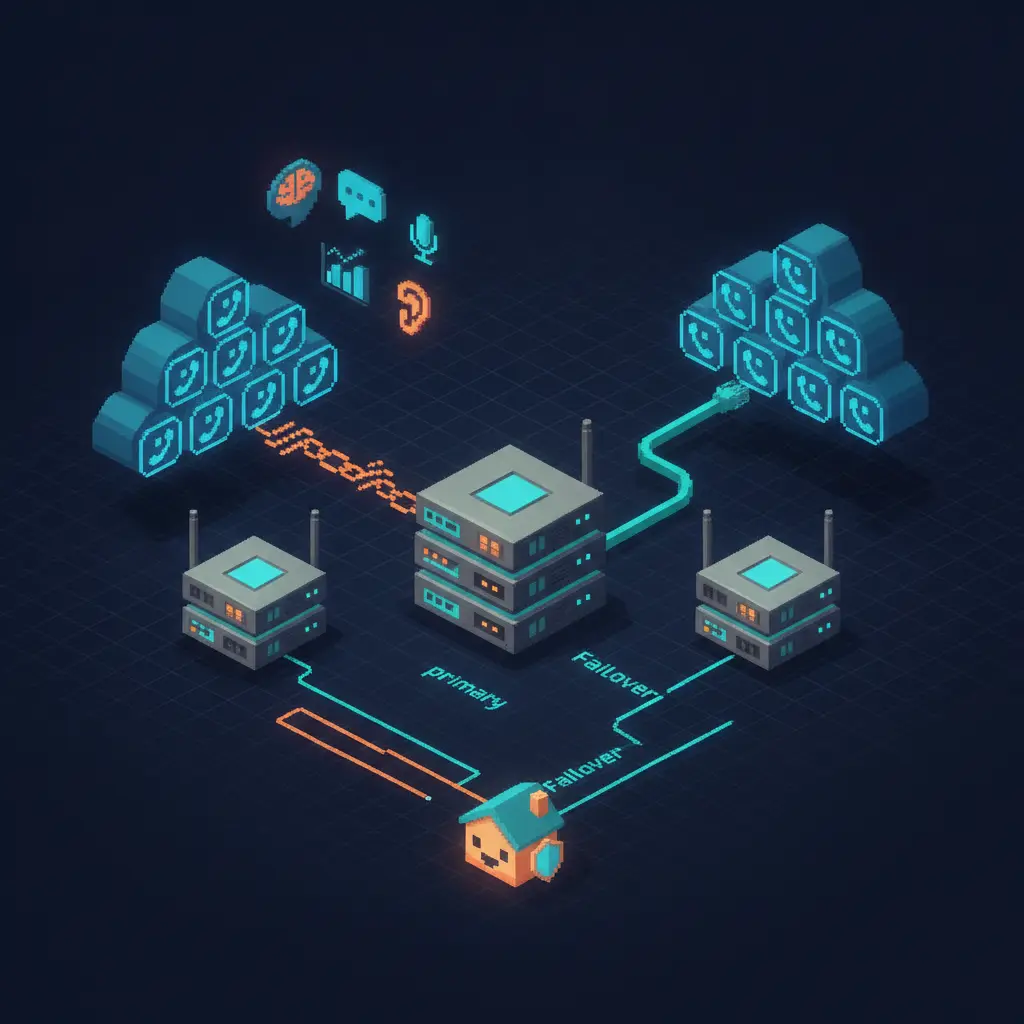
Business wireless internet backup works when a firewall or SD-WAN gateway detects a failed primary path and changes network routing so approved traffic uses the cellular connection instead.
The mechanism has several parts:
- Health monitoring: The gateway continuously tests whether the primary connection can reach reliable destinations. A circuit can appear connected while still failing to reach the applications your business needs, so monitoring must test usable connectivity rather than merely checking whether a cable is plugged in.
- Failure decision: When the primary circuit fails the defined health checks, the gateway marks that path unavailable. The settings should avoid switching for a brief, harmless disturbance while still responding quickly to a genuine outage.
- Route change: The gateway removes the failed route from use and sends new sessions through the wireless WAN, or wide-area network, connection. Devices on the office LAN generally keep their same local network; the change occurs at the network edge.
- Traffic policy enforcement: The firewall applies the rules you set. You may prioritize phones, payment systems, line-of-business applications, VPN access, and security services while limiting large downloads, streaming, or nonessential guest traffic.
- Recovery and failback: When the primary circuit is stable again, the gateway can return traffic to it based on a controlled failback policy. A managed configuration verifies that the recovery does not create repeated switching between paths.
Lightyear.ai reports that automatic failover to a wireless backup connection typically restores internet service within 30 to 90 seconds. That is not a promise that every existing session will remain intact. Connections tied to the primary circuit’s public IP address may need to reconnect, and an active call can be affected if its media path cannot transition cleanly. The correct goal is rapid restoration of approved business service, backed by testing of the applications that matter most.
For voice, Voipcom configures quality-of-service policies so real-time call traffic receives priority over less time-sensitive traffic. That protects call quality during a failover event and helps preserve access to the AI layer that transcribes, scores, and coaches customer conversations. The test is practical: place and receive calls, access cloud tools, process an approved transaction workflow, and confirm that required alerts and remote access still work on the backup path.
Is wireless or wired backup internet the better failover option?
Wireless backup is usually the stronger failover option when you need physical path diversity, while a separate wired circuit can fit sites that need more sustained capacity and have genuinely independent local infrastructure.
A backup connection is only as independent as the failure modes it avoids. A second wired service can be useful, but it may still be exposed to the same building entry point, neighborhood construction issue, provider infrastructure event, or power-related dependency as the primary line. Ring Planet Communications identifies a core backup best practice: avoid using the same ISP for both primary and backup connections so a single infrastructure event does not cause a complete outage.
| Backup approach | Physical independence | Best fit | Main strength | Decision point to validate |
|---|---|---|---|---|
| Cellular wireless failover | High when it uses a separate carrier network from the wired primary | Offices that need fast deployment and diverse connectivity | Avoids reliance on the primary wired path | Carrier signal quality, plan terms, and application behavior during IP changes |
| Separate wired circuit | Varies by provider and local route | Sites with sustained high backup traffic needs | Can provide substantial ongoing capacity | Whether it has a different provider, entry route, and infrastructure exposure |
| Fixed wireless service | Depends on the service design and local installation | Locations with a suitable line of sight and service availability | Creates a non-cable access method | Local feasibility, equipment placement, and the provider’s resilience design |
| Dual-path design with traffic policies | Highest when its paths are operationally independent | Businesses where interruption affects revenue, service, or safety | Matches connection capacity to critical workflows | Which systems receive priority and how the configuration is tested |
Cellular backup is not automatically a lower-performance compromise. Solinkit states that 5G backup solutions offer speeds and reliability often comparable to, or able to exceed, wired broadband connections. Digi International reports that 5G wireless networks used for cellular failover are achieving availability rates of up to 99.99%.
Availability is still only useful if the design supports your actual operations. FirstPassLab reports that 90% of organizations now require at least 99.99% network availability, citing ITIC’s 2024 research; that level translates to only 52.6 minutes of annual downtime. For an SMB, the more actionable question is: which outage scenarios can you tolerate, and which customer-facing workflows must continue without waiting for a repair dispatch?
How should you choose a business wireless internet backup solution?
You should choose a business wireless internet backup solution by matching carrier diversity, coverage, traffic priorities, security requirements, and management responsibility to the applications your team cannot afford to lose.
Start with an outage-impact inventory. List the services that need continuity and classify them by business consequence. Phones may be essential for a sales office. Payment processing may lead for a retail location. Remote access and dispatch tools may be central for a field-service team. Do not size or configure backup around ordinary internet habits; configure it around required operations during a primary outage.
Then evaluate these decision criteria:
Carrier and path diversity. Confirm that the backup uses a cellular carrier network independent from your primary wired provider. Ask whether the primary and secondary paths share a meaningful local dependency. A different bill does not always mean a different failure domain.
Signal validation at the actual site. Cellular performance is location-specific. Test service where the gateway will operate, taking the building materials, equipment room placement, and indoor coverage into account. Phoenix and Denver sites can have very different local conditions, even within the same metro area.
Traffic prioritization and capacity controls. Identify which traffic receives priority during failover. Business phones, VPN traffic, approved cloud applications, and transactions should not compete equally with guest Wi-Fi or background updates. A good policy limits nonessential traffic automatically while retaining the workflows your team needs.
Application compatibility. Review services that depend on a known public IP address, inbound access, IP allowlists, on-premises servers, or persistent VPN tunnels. These requirements are manageable, but they must be designed and tested before an outage. A backup connection that merely loads a website is not proof that every business application will operate correctly.
Security at the edge. The wireless path must remain behind a managed firewall with the same security posture expected on the primary connection. Your backup design should preserve network segmentation, remote-access controls, DNS protections, logging, and alerting rather than creating an unmanaged shortcut around them.
Managed monitoring and testing. Failover equipment can sit quietly for long periods, which is why testing matters. Voipcom can manage the network, phone platform, cybersecurity controls, cloud services, and AI call intelligence through one local partner. That integrated ownership reduces the common outage problem of multiple providers each pointing to another provider while your team waits for answers.
A resilient backup plan also includes communications procedures. Staff should know which functions remain available, which nonessential activities should pause, and how to report an issue. Your customer experience improves when the technology and the operating process are designed together.
For a broader view of connection types and recovery planning, review Voipcom’s guide to backup internet for business. If phone continuity is a central requirement for your Colorado location, explore Voipcom’s Denver business phone systems alongside the network design.
What should Phoenix and Denver businesses test before relying on wireless failover?
Phoenix and Denver businesses should test a wireless failover solution with real business workflows, not only a speed test or a router status screen.
- Run a controlled primary-circuit outage and verify that the gateway detects the failure, routes approved traffic to wireless service, and restores priority applications.
- Make test calls from desk phones and softphones.
- Confirm that inbound call handling, call queues, voicemail delivery, and essential cloud tools behave as expected.
- Review whether AI call transcription and coaching workflows continue according to your operational requirements.
Also test what happens when the primary circuit returns. An unstable connection can trigger repeated failover and failback events if monitoring thresholds are poorly designed. Your managed provider should review event logs, adjust health-check logic where needed, and document the final operating behavior. The result should be a repeatable continuity process, not a backup device that has never faced a realistic outage.
Voipcom helps Phoenix and Denver organizations design, configure, secure, and test business wireless internet backup as part of a unified IT and communications environment. Contact voipcom.network — Voipcom — 1530 E Williams Field Suite 201, Gilbert, AZ 85295 — 480 571 4454 — to assess your current internet path, critical applications, phone requirements, and failover readiness.
Frequently asked questions
The following answers explain how business wireless internet backup protects day-to-day operations during a primary internet outage.
What is business wireless internet backup?
Business wireless internet backup is a secondary internet connection that uses a cellular network to carry approved business traffic when the primary wired connection fails.
How quickly does wireless internet failover restore service?
Automatic wireless failover typically restores internet service within 30 to 90 seconds, according to Lightyear.ai, although some active sessions and applications may need to reconnect after the route changes.
Will business phones work on a wireless backup connection?
Business phones can work on a wireless backup connection when the network prioritizes voice traffic, provides adequate service for expected call activity, and has been tested with the specific phone platform and call workflows your team uses.
Should primary and backup internet use the same ISP?
Primary and backup internet should use different ISPs whenever practical because Ring Planet Communications identifies separate providers as a key way to avoid a single infrastructure event taking down both connections.
What should be prioritized during an internet failover?
During an internet failover, prioritize customer calls, payment workflows, essential cloud applications, approved VPN access, and security services before guest Wi-Fi, streaming, large downloads, and nonessential updates.
Does wireless backup replace a cybersecurity plan?
Wireless backup does not replace cybersecurity; it should operate behind the same managed firewall, access controls, network segmentation, monitoring, and security policies used to protect the primary connection.
About the author
Sean Fairchild — Co Founder - CTO
Co-Founder, Voipcom | VoIP/UCaaS + AI Call Summaries | Managed IT, Cybersecurity & Compliance