


Outdated phone systems drain your budget and strangle productivity. Many Arizona and Colorado SMB owners wrongly believe modern alternatives are expensive or complicated to install. The truth? Modern cloud-based phone systems can reduce communication costs by up to 50% while simplifying operations. You’ll discover why modernization saves money, boosts team efficiency, and supports remote workforces seamlessly.
Key takeaways
| Point | Details |
|---|---|
| Cost reduction | Modern phone systems slash communication expenses by eliminating hardware and maintenance fees. |
| Scalability | Cloud-hosted PBX allows instant line additions without physical infrastructure changes. |
| Remote support | Mobile apps and flexible routing keep hybrid teams connected from anywhere. |
| Transparent pricing | All-inclusive models remove hidden fees and surprise charges. |
| Security upgrades | Built-in encryption and fraud detection protect your business data. |
Introduction to phone system modernization
Your legacy phone system is bleeding money. Legacy phone systems often lead to high maintenance costs and limited scalability for SMBs, forcing you to pour cash into aging hardware that can’t keep pace with growth. These outdated setups demand expensive on-site technicians for simple changes, tie your team to physical desks, and collapse when you need to add remote workers.
Comparing providers? See business phone systems for Scottsdale companies and VoIP phone service in Aurora, or explore business VoIP services in Phoenix and Denver.
Arizona and Colorado businesses face unique challenges. Rising hybrid work adoption means your Phoenix office manager needs the same call features working from home in Flagstaff. Your Denver sales team requires mobile access during client visits in Colorado Springs. Legacy systems weren’t built for this flexibility.
Cloud telephony solutions flip this script entirely. They eliminate bulky hardware, scale instantly as headcount changes, and integrate seamlessly with tools your team already uses. The shift from legacy vs modern phone systems isn’t just technical, it’s financial and operational survival.
Key limitations of outdated systems include:
- High upfront hardware costs that depreciate rapidly
- Complex upgrades requiring vendor visits and downtime
- Poor remote work support limiting workforce flexibility
- Vendor lock-in with proprietary equipment and contracts
- Limited integration with modern collaboration platforms
Key benefits of modern phone systems
Modern systems deliver immediate financial relief. You’ll stop paying for maintenance contracts, hardware replacements, and per-line fees that stack up unpredictably. Instead, you get predictable monthly costs covering everything from setup to support.

Scalability becomes effortless. Need five more lines for seasonal hiring? Done in minutes through a web dashboard, no technician required. Downsizing after a project ends? Remove lines just as fast without penalties.
Integrated tools transform how your team works. Voice, video, messaging, and file sharing live in one platform, cutting the constant app switching that wastes hours weekly. Your customer service rep can see caller history, transfer seamlessly to colleagues, and follow up via text, all from one screen.
Pro Tip: Calculate your current per-line costs including hardware depreciation, maintenance contracts, and IT hours spent on phone issues. Compare that to all-inclusive hosted PBX pricing to see real savings potential.
The advantages of hosted PBX systems extend beyond dollars. You gain:
- Zero hardware maintenance freeing IT resources for revenue activities
- Instant provisioning enabling same-day employee onboarding
- Advanced call analytics revealing customer patterns and team performance
- Automatic updates delivering new features without downtime
- Disaster recovery keeping phones working during office outages
Local managed services amplify these benefits. When issues arise, you reach live support in your time zone who understand regional business needs. No offshore call centers reading scripts, just experts who resolve problems fast. The VoIP advantages for SMBs become tangible when you’re not fighting technology but leveraging it.
Integration and advanced features
Unified communications collapse communication silos. Your team stops juggling separate apps for calls, video meetings, instant messages, and screen sharing. Everything flows through one interface, preserving context as conversations shift between channels.
AI-powered features elevate customer experiences. Call transcription creates searchable records of client conversations. Intelligent routing sends callers to the right department based on keywords they speak. Sentiment analysis flags frustrated customers for supervisor intervention before they churn.
Modern phone systems integrate with platforms like Microsoft Teams to centralize work. Your team makes calls directly from Teams without switching apps. Calendar integration shows availability, preventing missed connections. Voicemail transcripts appear in email, making messages accessible anywhere.
| Feature | Legacy Systems | Modern Cloud Systems |
|---|---|---|
| Platform | Separate voice, video, messaging | Unified communications hub |
| AI capabilities | None | Transcription, routing, analytics |
| Integration | Limited or proprietary | Open APIs, Teams, CRM, Office 365 |
| Updates | Manual, costly upgrades | Automatic, included in subscription |
| Customization | Vendor-dependent | Self-service automation and rules |
Pro Tip: Start integration small. Connect your phone system with one critical tool like your CRM or Teams, measure productivity gains, then expand to other platforms based on team feedback.
Customization reaches new levels. Set up automated attendants that route calls based on time of day, caller ID, or menu selections. Create custom reports tracking metrics that matter to your business. Build workflows triggering actions when specific call events occur, like sending follow-up emails after missed calls. The Microsoft Teams integration and Voipcom Microsoft Teams integration show how seamlessly modern systems fit existing workflows.
Supporting remote and hybrid workforces
Mobile apps make location irrelevant. Your remote employee in Scottsdale uses the same business number and features as someone at your Tucson headquarters. Clients can’t tell where team members are working, maintaining professional consistency.
Call quality remains crystal clear. Modern systems prioritize voice traffic, adapt to bandwidth fluctuations, and maintain connections even on home networks. Your hybrid workers sound professional whether calling from the office, home, or coffee shop.
Flexible routing keeps teams responsive. Calls ring simultaneously on desk phones, mobile apps, and softphones, so employees answer from whatever device is handy. Presence indicators show who’s available, preventing transfers to unavailable colleagues. Find-me-follow-me rules ensure important calls reach you across multiple numbers.
58% of U.S. SMBs have fully or partially remote workforces needing reliable communications, making modern phone systems essential infrastructure, not nice-to-have technology. Arizona and Colorado businesses particularly benefit given the region’s embrace of flexible work arrangements and distributed talent pools.
Key remote work enablers include:
- Softphone apps turning laptops into full-featured business phones
- Video conferencing with screen sharing for virtual collaboration
- Voicemail-to-email delivering messages wherever employees check inbox
- Mobile number masking protecting personal phone privacy
- Hot-desking allowing any physical phone to become your extension
Local managed services optimize these capabilities. Providers configure systems specifically for your remote work patterns, train employees on mobile features, and troubleshoot connectivity issues before they disrupt business. The guides on supporting remote workers on phone systems and remote work phone solutions detail implementation strategies.
Common misconceptions about modernizing phone systems
Myth number one: modern systems cost too much. Reality: Transparent pricing models with no hidden fees make cloud systems more affordable than maintaining aging hardware. All-inclusive pricing covers phones, setup, features, support, and unlimited calling. You’ll know exactly what you’re spending monthly.
Myth number two: upgrades create massive disruption. Reality: managed providers handle migrations during off-hours with minimal downtime. They port your existing numbers, configure new systems, train staff, and provide parallel running periods so you’re never without service. Most SMBs complete transitions in days, not weeks.
Myth number three: legacy systems are equally secure. Reality: outdated equipment lacks encryption, receives no security patches, and offers no fraud detection. Modern platforms build security into every layer, protecting your communications and customer data actively.
“We delayed upgrading for two years worrying about cost and disruption. Within three months of switching to hosted PBX, we’d recouped migration costs through lower monthly bills and eliminated maintenance headaches. Our only regret was waiting so long.” – Colorado retail business owner
These misconceptions keep businesses trapped in expensive, inflexible systems. Once you examine actual costs and migration processes, the barriers evaporate. The hosted PBX pricing transparency available from quality providers removes financial uncertainty completely.
Cybersecurity considerations in modern phone systems
Legacy systems are security nightmares. They lack encryption, leaving conversations vulnerable to eavesdropping. Outdated firmware contains known exploits hackers actively target. Physical access to equipment can compromise entire networks.
Modern platforms take security seriously. End-to-end encryption protects calls from interception. Fraud detection algorithms flag unusual calling patterns like international toll fraud attempts. Automatic updates patch vulnerabilities immediately without requiring your IT team’s intervention.
Best practices strengthen protection further:
- Enforce strong passwords and multi-factor authentication for admin access
- Conduct quarterly security audits reviewing user permissions and call logs
- Train staff to recognize phishing attempts targeting phone credentials
- Implement call restrictions preventing unauthorized international dialing
- Monitor usage reports for anomalies indicating potential breaches
Critical stat: Telephony-related cyber threats are rising, especially targeting outdated legacy systems that lack basic protections, making security upgrades non-negotiable for SMBs handling customer data.
Security features protect more than technology. They safeguard customer trust, prevent financial losses from toll fraud, and ensure compliance with regulations requiring communication security. For Arizona and Colorado businesses in healthcare, finance, or legal services, these protections aren’t optional. Understanding telephony cybersecurity risks helps you prioritize protective measures.
Operational efficiency and local support benefits
Cloud dashboards simplify management dramatically. You add users, change call routing, pull reports, and adjust settings through intuitive web interfaces. No specialized training required, no vendor calls for basic changes.
Modernization can reduce management time by 40% and improve issue resolution times thanks to local support teams who understand your business context. When problems arise, you reach experts in Arizona or Colorado who can remote into systems, diagnose issues, and implement fixes fast.
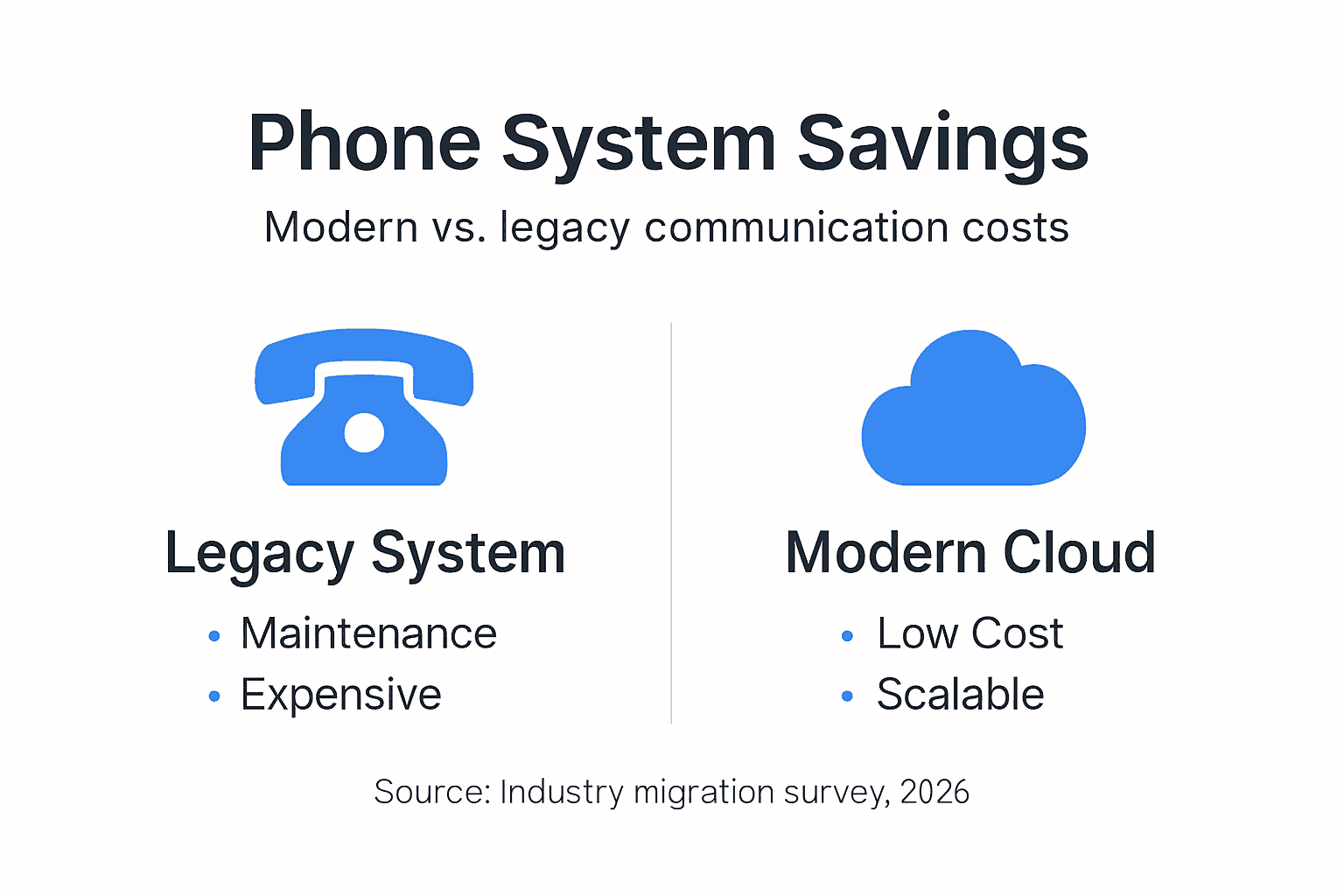
All-inclusive pricing eliminates budget surprises. You’re not hit with setup fees when adding locations, porting charges when moving numbers, or change request fees for routine adjustments. Everything is covered in your monthly subscription, making financial planning straightforward.
Efficiency gains compound over time. Hours previously spent managing phone systems redirect toward customer service, sales, or product development. Your team stops fighting technology and starts leveraging it as a competitive advantage.
Provider selection tips:
- Verify the provider has physical presence in your state, not just virtual coverage
- Request customer references from similar-sized businesses in your industry
- Test support responsiveness by calling during business hours and evenings
- Review service level agreements for guaranteed uptime and response times
- Confirm migration assistance is included, not charged separately
Pro Tip: Ask potential providers how they handled their most recent major outage. Quality providers will transparently discuss incidents, resolution steps, and improvements made afterward, while poor ones will dodge or deflect.
The hosted PBX operational benefits extend beyond immediate time savings. You gain strategic advantages like faster market response, better customer experiences, and reduced dependency on specialized IT staff.
Choosing the right modern phone system provider
Transparent pricing matters most. Seek providers offering all-inclusive monthly rates covering equipment, features, support, and calling. Avoid those with setup fees, per-feature charges, or contracts requiring early termination penalties.
Fully managed services deliver maximum value. Your provider should handle number porting, system configuration, employee training, ongoing support, and regular maintenance. You shouldn’t need dedicated staff to keep phones working.
Scalability ensures longevity. Choose systems that grow with your business, adding or removing lines instantly without renegotiating contracts or replacing hardware. Verify the platform supports your current five employees and your planned fifty.
Integration breadth future-proofs investment. Prioritize providers offering Microsoft Teams integration, CRM connections, and API access for custom workflows. Your phone system should enhance existing tools, not force you to change them.
| Selection Criteria | What to Look For | Red Flags |
|---|---|---|
| Pricing | All-inclusive monthly, no hidden fees | Per-feature charges, setup fees, early termination penalties |
| Support | Local presence, 24/7 availability, multiple contact methods | Offshore-only, business hours only, ticket-only systems |
| Scalability | Instant provisioning, flexible contracts | Minimum commitments, tiered pricing jumps |
| Features | Teams integration, mobile apps, AI tools, analytics | Basic calling only, proprietary platforms |
| Security | Encryption, fraud detection, compliance certifications | Vague security claims, no certifications |
Key evaluation questions:
- How quickly can you add or remove users as our needs change?
- What’s included in your monthly price versus charged separately?
- Where is your support team located and what hours are they available?
- How do you handle number porting and what’s the typical timeline?
- What happens if we outgrow your platform or need to switch providers?
Resources like choosing hosted PBX providers and cloud phone system provider selection guides offer detailed comparison frameworks. Don’t rush this decision. A quality provider becomes a strategic partner, not just a vendor.
Discover modern phone systems with Voipcom
Ready to cut communication costs and boost efficiency? Voipcom delivers fully managed, cloud-based phone systems built specifically for Arizona and Colorado SMBs. You’ll benefit from transparent all-inclusive pricing, local support teams who understand regional business needs, and advanced features including Microsoft Teams integration and AI-powered calling.

Explore the hosted PBX advantages Voipcom provides, from seamless remote work support to enterprise features at SMB prices. Discover why use hosted PBX through transparent pricing and proven cost savings. Schedule your consultation today at Voipcom phone system solutions and take the first step toward modern communications.
Frequently asked questions about modernizing phone systems
What cost savings can SMBs realistically expect from modern phone systems?
Most SMBs save 30-50% on total communication costs by eliminating hardware purchases, maintenance contracts, and per-line fees. All-inclusive cloud pricing typically runs $20-35 per user monthly, covering everything legacy systems charged separately.
How disruptive is the upgrade process for small businesses?
Minimal when using managed providers. They handle migration during off-hours, port existing numbers without service gaps, and provide parallel running periods. Most SMBs complete transitions in 3-5 business days with negligible downtime.
Are cloud phone systems secure enough for confidential business communications?
Yes, modern platforms exceed legacy security through end-to-end encryption, fraud detection, and automatic security updates. They meet compliance standards for healthcare, finance, and legal industries requiring communication protection.
What features should SMBs prioritize when selecting a new phone system?
Focus on mobile apps for remote work, Microsoft Teams or CRM integration, call analytics, and auto-attendants. Ensure unlimited calling is included, not metered, and verify voicemail-to-email and call recording are standard features.
How important is local support versus remote-only help for SMBs?
Extremely important for fast issue resolution. Local providers in your time zone understand regional business patterns, respond faster during outages, and offer personalized service remote-only vendors can’t match. This becomes critical during emergencies requiring immediate attention.
Recommended
- 7 Business Phone Trends 2025 Every SMB Must Know – Voipcom
- How to Set Up Business Phone System for 2025 Success – Voipcom
- Cost-Effective Phone System Setup for Business Success – Voipcom
- AI-Powered VoIP 2025: Superpowers for Your Business Phone!
Move your phones to the cloud: See the Voipcom hosted PBX and business VoIP.