


An SMB cloud migration strategy should phase discovery, pilots, cutovers, and optimization around workload fit, security, cost ownership, and business continuity. Voipcom helps Phoenix and Denver companies move cloud services, communications, and data without rushing critical operations—so teams retain reliable customer service, protected information, controlled budgets, and accountable support throughout the transition.
Table of contents
- What is an SMB cloud migration strategy?
- How do you build an SMB cloud migration strategy without disrupting operations?
- Which cloud approach fits your SMB cloud migration strategy?
- How do you control recurring cloud costs before they become a surprise?
- How do you build security and continuity into cloud operations?
- How should phones and AI call intelligence fit into a cloud migration?
- Frequently asked questions
Cloud adoption is already a practical operating decision for most businesses, not an experimental project. DuploCloud reports that approximately 94% of businesses globally use at least one cloud service. For SMB leaders, the question is not whether to use cloud services. The question is which systems belong there, how they will be governed, and what happens if a provider, connection, identity, or application fails.
What is an SMB cloud migration strategy?
An SMB cloud migration strategy is a documented business and technical plan for moving, replacing, or connecting workloads to cloud services while defining ownership, security, recovery, cost controls, and success criteria.
Comparing providers? See IT support for Denver, CO businesses and managed IT services in Phoenix, AZ, or explore managed IT and IT support across Phoenix and Denver.
A workload is an application, its data, the identities that access it, and the infrastructure or service dependencies required for it to function. Treating a workload as only a server is a common planning mistake. Your accounting platform may depend on file shares, an identity provider, email notifications, integrations, printers, internet connectivity, and a defined retention process. A useful migration plan maps those dependencies before anyone changes production systems.
Cloud does not automatically mean public cloud infrastructure. A cloud migration can mean replacing a local application with software delivered as a service, moving a server to hosted infrastructure, adopting a cloud phone platform, or operating a hybrid environment where certain systems remain local. According to Flexera State of the Cloud research, as cited by GoCloud, 63% of SMB workloads were hosted in the cloud as of 2024. That level of adoption makes disciplined selection more valuable than an all-or-nothing mandate.
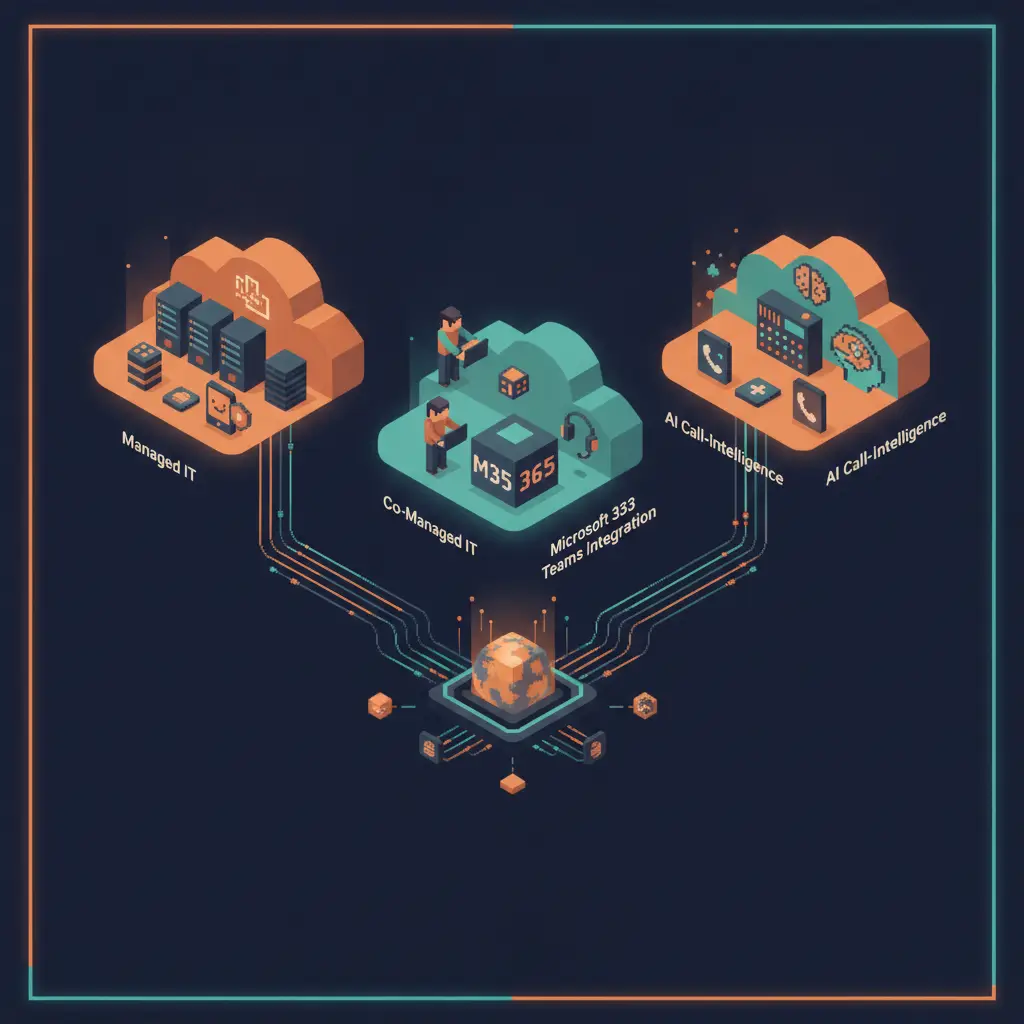
Voipcom approaches migration as an operating-model project. We align managed IT, cybersecurity, cloud services, business communications, and AI call intelligence under one accountable local partner. That alignment matters because the same identity, network, policy, and support processes affect every one of those services.
How do you build an SMB cloud migration strategy without disrupting operations?
A resilient SMB cloud migration strategy moves workloads in controlled stages, validates each stage against business outcomes, and retains a workable recovery path until the new service is proven.
Start with discovery, but make it operational rather than theoretical. Inventory applications, data repositories, users, devices, integrations, licenses, access methods, contracts, and network dependencies. Then ask process owners what breaks if the system is unavailable, slow, altered, or accessed from the wrong location. This reveals the difference between a useful system inventory and a migration-ready dependency map.
Next, classify each workload by business role. Separate systems that directly serve customers from internal support systems. Identify data that is regulated, contractually restricted, or subject to retention requirements. Identify workloads that must remain available during normal operating hours and those that can tolerate planned maintenance. Your migration order should reflect business impact and dependency complexity, not simply which server is oldest.
Then define the target state. For every workload, decide whether you will retain it as-is, replace it with a cloud service, modernize it, or keep part of it on premises. Document the service owner, support route, access model, backup scope, recovery procedure, data location, and monthly cost owner. If no one owns a control after cutover, the control will eventually fail.
Use a pilot to test the design with a limited, representative group of users and real workflows. Validate sign-in, permissions, printing, file access, integrations, communications, reporting, and recovery—not merely whether the application opens. Capture issues in a runbook, which is a step-by-step operational procedure used by support staff during routine work and incidents.
For production cutover, create a decision-based plan. Define the point at which data synchronization stops, the validation checks that must pass, who can authorize go-live, how users receive support, and the conditions that trigger rollback. A rollback plan is not a vague promise to “go back”; it is a tested method to restore the prior working service state without creating conflicting data.
After migration, optimize. Remove unused resources, review access, confirm backup restoration, update documentation, and compare service performance against the success criteria you set before the move. This is where migration becomes a secure operating model instead of a one-time technical event.
Which cloud approach fits your SMB cloud migration strategy?
The best cloud approach fits each workload’s business value, dependency profile, compliance needs, support capacity, and predictable operating cost—not the provider’s most aggressive sales message.
| Approach | How it works | Best fit | Main advantage | Trade-off to manage |
|---|---|---|---|---|
| SaaS replacement | You retire a locally managed application and adopt software delivered by the provider. | Standardized business functions with mature cloud alternatives. | Provider-managed application maintenance and faster user access. | You must validate data export, integrations, configuration limits, and contract terms. |
| Rehosting | You move an existing application to cloud infrastructure with minimal architectural change. | Applications that must move quickly but still work reliably in their current form. | Lower change to the application itself. | Existing inefficiencies, licensing issues, and poor access design can move with it. |
| Replatforming | You move an application while changing selected components, such as its database, operating system, or management model. | Workloads that need better resilience or administration without a full redesign. | Better operational fit than a straight lift-and-shift. | Testing effort increases because dependencies and performance behavior can change. |
| Hybrid cloud | You connect cloud services with systems that remain on premises. | Businesses with local equipment, specialized applications, or data constraints. | Preserves necessary local capabilities while adding cloud services. | Identity, network paths, monitoring, and support ownership must be tightly designed. |
| Managed cloud service | A managed partner operates defined cloud components under documented responsibilities. | SMBs that need consistent administration and escalation coverage. | Clearer accountability across IT, security, and support. | You need a precise shared-responsibility agreement rather than assumed coverage. |
Provider selection should begin with fit, not brand recognition. Evaluate where data is stored, whether the service supports your required compliance posture, how identities are managed, how data can be exported, what integration methods are available, and what happens during an outage. Review support escalation, logging, retention, backup responsibility, and contract exit terms before migration—not after a production issue.
Internal expertise also affects the right model. Flexera’s 2025 research, as cited by GoCloud, identifies lack of internal expertise as the leading cloud challenge for 75% of organizations. That is a strong reason to choose a managed operating model when your team cannot continuously administer identity, security, configuration, and cost controls alongside daily support work.
How do you control recurring cloud costs before they become a surprise?
You control recurring cloud costs by assigning ownership to every service, measuring consumption against business use, and removing idle capacity and duplicate subscriptions through an ongoing review process.
Cloud spending expands when each department can add services without shared visibility. Subscription charges, storage growth, data transfer, backup retention, support tiers, software licensing, and temporary migration resources can all persist after a project closes. Create a service register that identifies the business owner, technical owner, payment source, renewal date, data classification, and expected value for each cloud service.
Build the business case from total operating impact. Include the cost to migrate, operate, secure, support, back up, recover, integrate, and eventually exit the service. Do not compare only a cloud invoice with the depreciation of a server. Also avoid assuming the cloud must cost less in every scenario. ECI Solutions, as cited by GoCloud, reports that SMBs experience an average of 36% IT cost savings after moving to the cloud, but your result depends on workload design, licensing, governance, and how effectively you retire replaced systems.
Budget guardrails need an owner and an action. Establish approval rules for new services, alerts for unusual use, regular rightsizing reviews, and a defined process for decommissioning resources. Medha Cloud reports that 38% of cloud migration projects exceed budget by an average of 14%. The practical defense is visibility before commitment: model the full recurring service, validate assumptions during a pilot, and review the actual bill immediately after cutover.
IDC, as cited by Renascence IT Consulting, reports that 68% of SMBs expect to increase cloud spending in 2026. Growth in spend should represent intentional capability, resilience, or productivity—not unmanaged sprawl.
How do you build security and continuity into cloud operations?
Secure cloud operations require identity controls, encryption, monitoring, tested recovery procedures, and resilient connectivity designed before users rely on the new service.
Identity is the control plane for modern cloud access. Use role-based access, meaning permissions are assigned according to a person’s work responsibilities rather than granted individually without a consistent model. Apply least privilege so each user and service has only the access required for its defined task. Remove access promptly when roles change, protect administrative accounts, and review high-risk permissions on a routine schedule.
Technovera, CommTech, and The SMB Owner’s Guide to Moving Your Business to the Cloud in 2026 emphasize multi-factor authentication, data encryption, and continuous monitoring as crucial cloud-migration priorities for SMBs. Multi-factor authentication requires more than one form of verification before access is granted. Encryption protects data from unauthorized reading while it is stored or transmitted. Continuous monitoring collects and reviews security-relevant activity so unusual access or configuration changes can be investigated.
Compliance is also an architecture decision. Cloud.google.com, Fusion Computing, CommTech, and The SMB Owner’s Guide to Moving Your Business to the Cloud in 2026 identify data residency and frameworks including PIPEDA, Quebec Law 25, HIPAA, and PCI-DSS as requirements that can constrain data storage locations and require compliance-eligible services. Confirm where production data, backups, logs, and replicated data reside. Ask whether support access crosses regions and whether your chosen service configuration meets your obligations. Do not rely on a provider’s general compliance statement as proof that your implementation is compliant.
Business continuity requires more than a backup. A backup is a retained copy of data. Recovery is the ability to restore that copy into a usable service with the correct permissions, integrations, and process steps. Test restoration and confirm who performs it. For systems that depend on internet access, design connection resilience as part of the migration. A business backup internet plan gives cloud applications and communications an alternate path when the primary connection is unavailable.
How should phones and AI call intelligence fit into a cloud migration?
Cloud phones and AI call intelligence should be migrated as customer-service systems with number portability, call routing, network resilience, user training, and quality controls planned together.
Moving communications separately from IT creates avoidable gaps. A cloud phone deployment depends on identity, network quality, device management, routing rules, emergency procedures, voicemail delivery, and customer-facing numbers. Start with a communications inventory:
- main numbers
- direct numbers
- fax use
- call flows
- queues
- after-hours routing
- integrations
- recordings
Your business cloud phone system deployment plan should treat these as business processes, not just phone settings.
Plan number transfer early. A phone number porting guide helps teams prepare the account information and cutover coordination required to move existing numbers without creating confusion for customers. Validate call routing before go-live, including how calls reach teams during an internet or platform incident. For service and sales operations, document queue behavior and ownership; a well-designed call queue management system gives callers a predictable path and gives managers control over routing logic.
Voipcom adds an AI layer that transcribes, scores, and coaches every call. That capability is most useful when call permissions, retention, access roles, coaching workflows, and escalation paths are decided during migration. AI call intelligence should improve customer conversations and operational visibility while following the same data governance standards applied to the rest of your cloud environment.
A practical migration is not judged by whether systems were moved. It is judged by whether your people can work reliably, customers can reach you, data is protected, costs are controlled, and support ownership is clear. Contact Voipcom to build a phased cloud, IT, communications, and AI call intelligence plan for your Phoenix or Denver business. Voipcom — 1530 E Williams Field Suite 201, Gilbert, AZ 85295 — 480 571 4454.
Frequently asked questions
What is the first step in an SMB cloud migration strategy?
The first step in an SMB cloud migration strategy is to inventory workloads and map their data, users, integrations, network dependencies, business owners, and recovery requirements before selecting a cloud destination.
Should an SMB move every workload to the cloud?
An SMB should move only workloads whose cloud design improves business fit, resilience, security, supportability, or cost control; hybrid operations remain appropriate when local systems or data constraints require them.
How can an SMB avoid cloud migration cost overruns?
An SMB can avoid cloud migration cost overruns by modeling full recurring costs, assigning service ownership, piloting assumptions, approving new services centrally, and removing resources that are no longer needed after cutover.
What security controls are essential during cloud migration?
Essential cloud migration controls include multi-factor authentication, role-based access, least-privilege permissions, data encryption, continuous monitoring, tested backups, and documented incident and recovery procedures.
What should be tested before a cloud cutover?
Before cloud cutover, test user access, permissions, data synchronization, application integrations, communications routing, backup restoration, support escalation, and the rollback procedure using real business workflows.
Why include business phones in a cloud migration plan?
Business phones belong in a cloud migration plan because call routing, number portability, internet resilience, user access, customer experience, and AI call intelligence depend on the same IT and security operating model.
About the author
Sean Fairchild — Co Founder - CTO
Co-Founder, Voipcom | VoIP/UCaaS + AI Call Summaries | Managed IT, Cybersecurity & Compliance